
Tips, updates, and short reads.
Release notes and quick takes on AI-powered expense tracking. For long-form playbooks, head to Guides.
Cashflow AI vs YNAB: An Honest 2026 Comparison
Which budgeting app should you actually pick in 2026? We compare Cashflow AI and YNAB head-to-head on price, learning curve, AI features, bank sync, and the philosophy each one forces on you.
Read MoreWhy Reviewing Your Stats Is the Real Habit (Not Setting the Budget)
Budgets don't fail because you lack discipline — they fail because nobody taught you to review the data. Here's how a 2-minute weekly stat review rewires how you spend.
Read More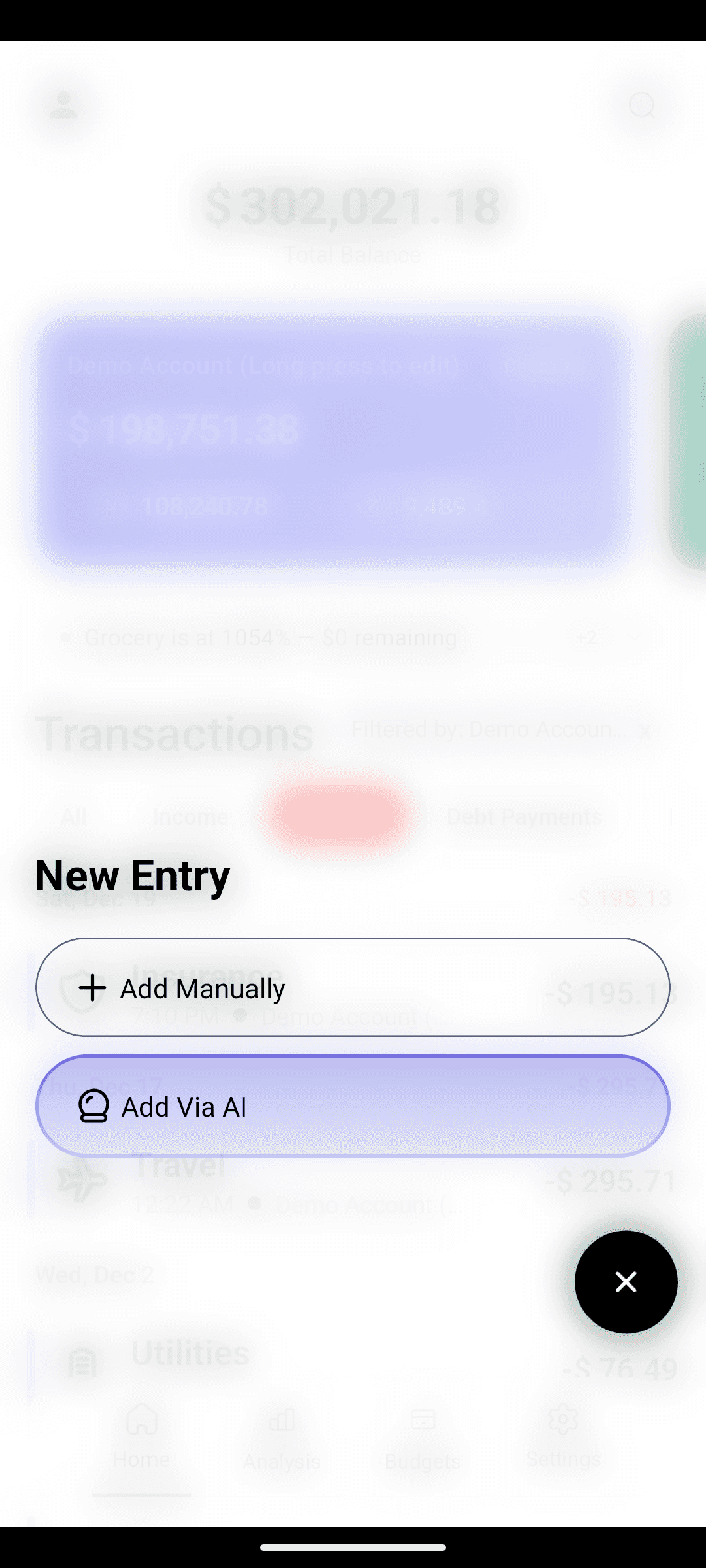
Log an Expense in 5 Seconds (No Forms, No Banks)
Stop tapping through dropdowns. Type what you spent like a text — CashFlow AI's AI expense tracker parses the amount, category, merchant, and account for you.
Read More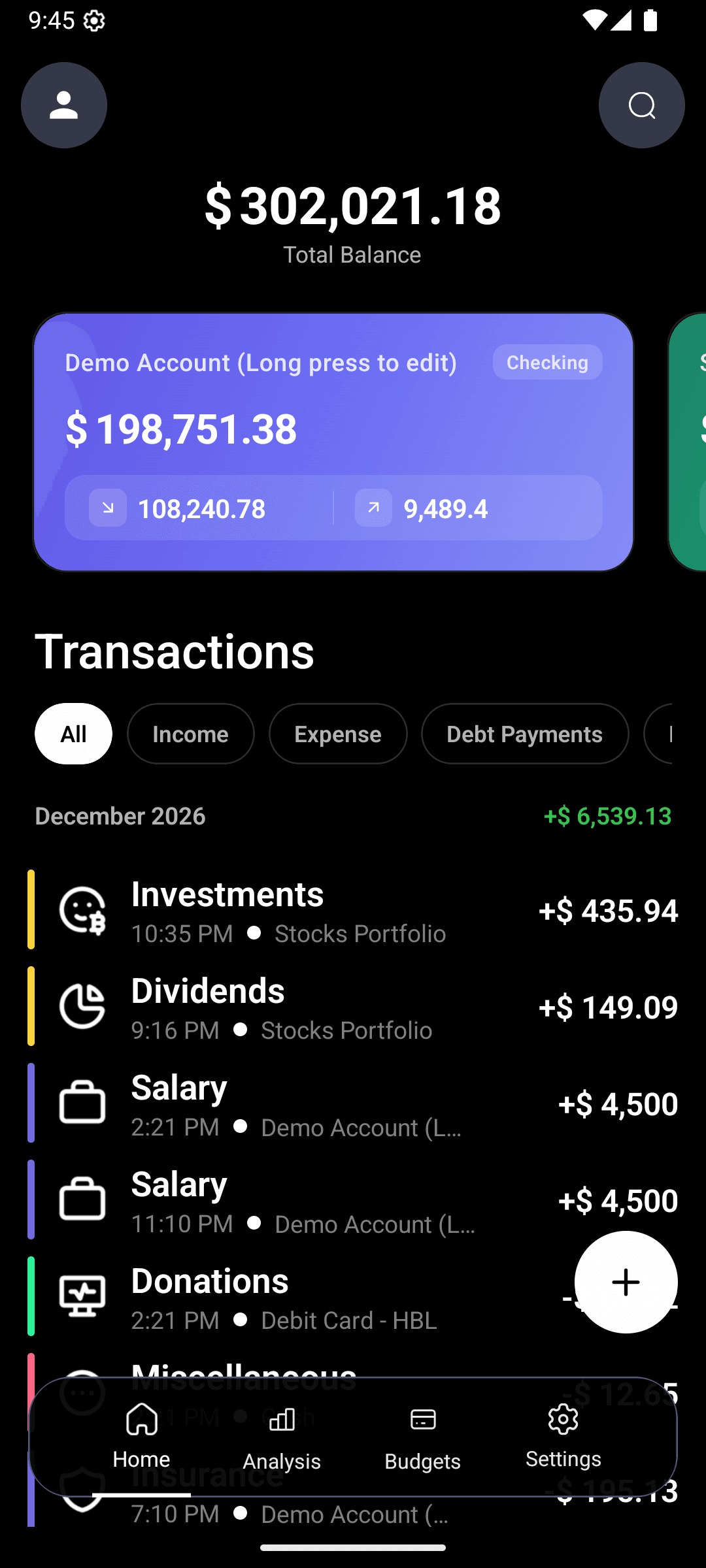
Ask Your Money Anything: AI Search for Personal Finance (Coming Soon)
Stop scrolling through transaction lists. Ask questions like 'how much did I spend on groceries last month?' and get instant answers from CashFlow AI's upcoming AI Search.
Read More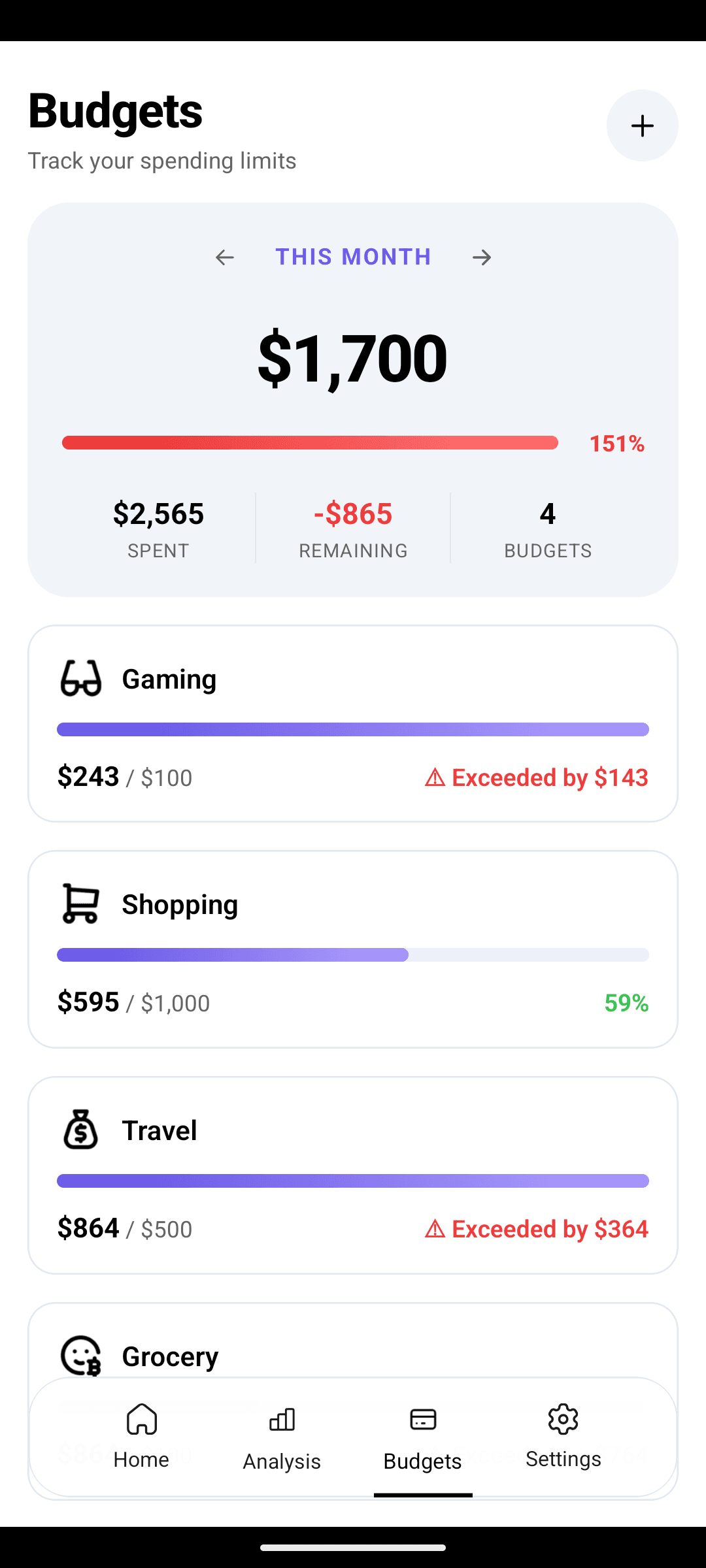
How to Stop Overspending: A Budget Tracker That Actually Works
Setting a budget is easy — sticking to it is where most people fail. Here's how real-time progress bars and overspend alerts keep your monthly budget honest.
Read MoreWhere Does My Money Go? Reading Your Spending in 60 Seconds
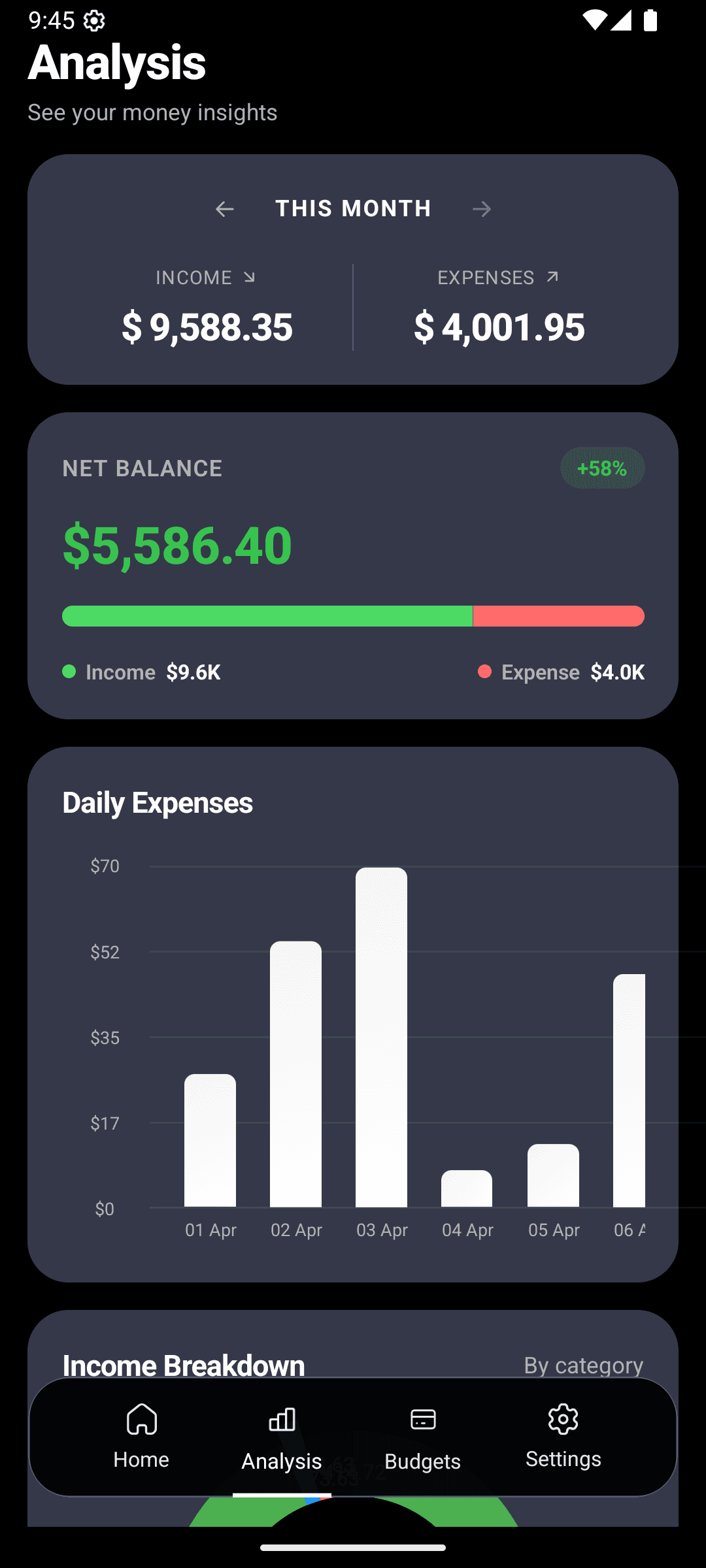
A walk-through of CashFlow AI's analytics dashboard — income vs expenses, daily spending, and category breakdown — and how to actually use them to change behavior.
Read MoreTrack Every Bank Account, Credit Card, and Cash Wallet in One Place
Stop losing track of credit card balances and cash spending. CashFlow AI's multi-account tracker gives you a single view of checking, savings, cards, and cash.
Read More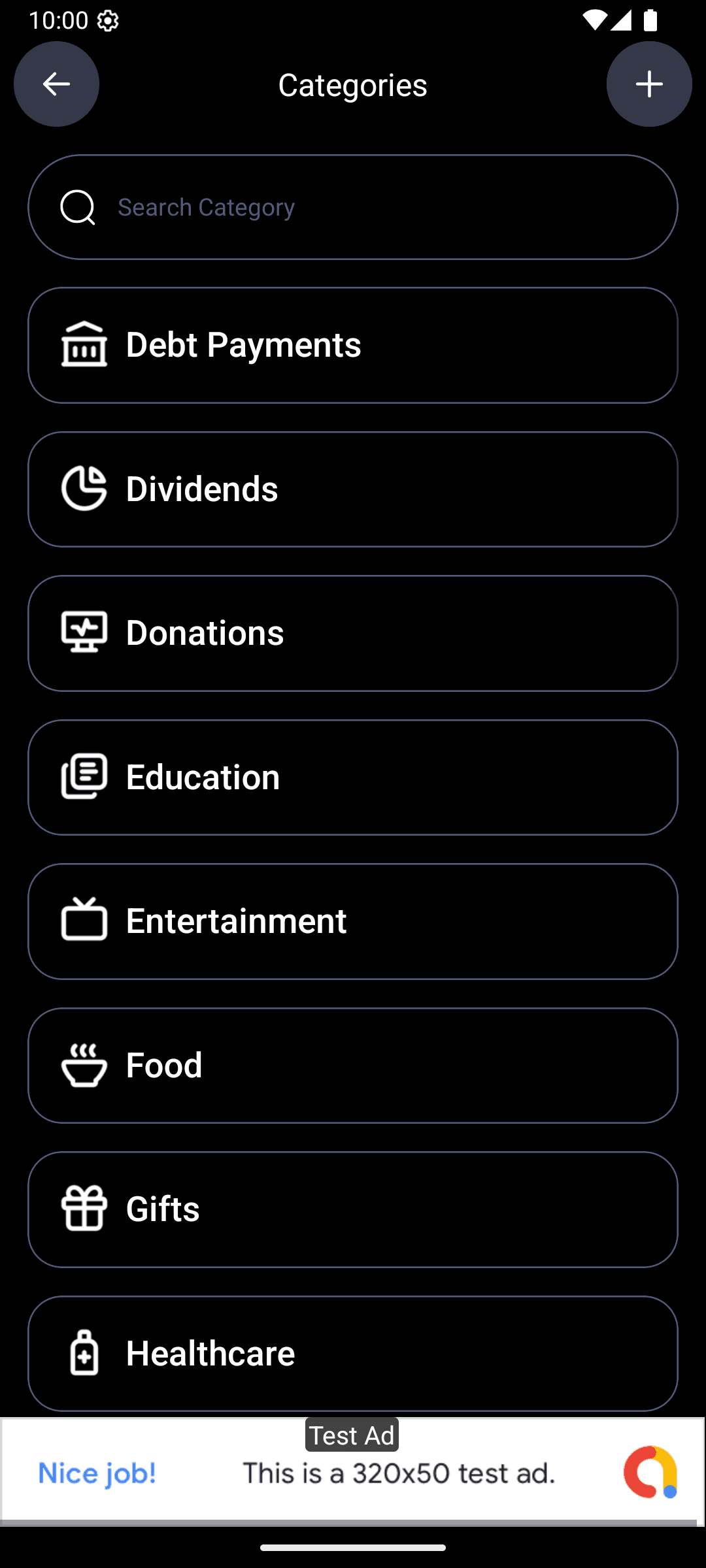
Organize Your Expenses the Way You Actually Think About Money
20+ built-in expense categories plus unlimited custom ones. Set up a category system that matches your life — not someone else's spreadsheet.
Read More
Dark Mode, Light Mode, 14 Accent Colors — Make Your Finance App Yours
You open your budget app every day. It should feel like yours. Dark mode, light mode, system default, and 14 accent colors in CashFlow AI.
Read More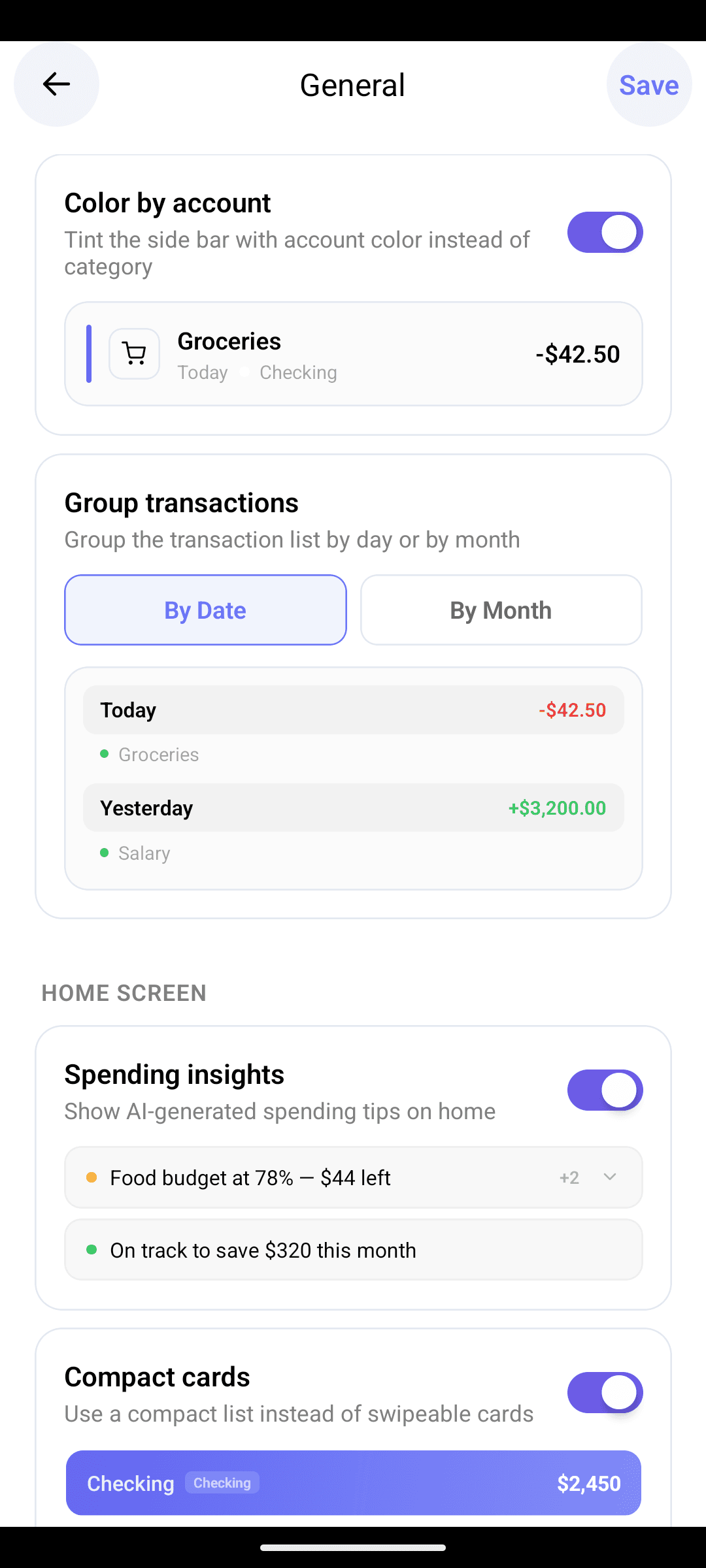
Track Expenses in Any Currency — for Travelers, Expats, and Remote Workers
Budgeting across borders? CashFlow AI supports every major world currency. Log in EUR, JPY, PKR, AED — and keep one clear financial picture in your home currency.
Read More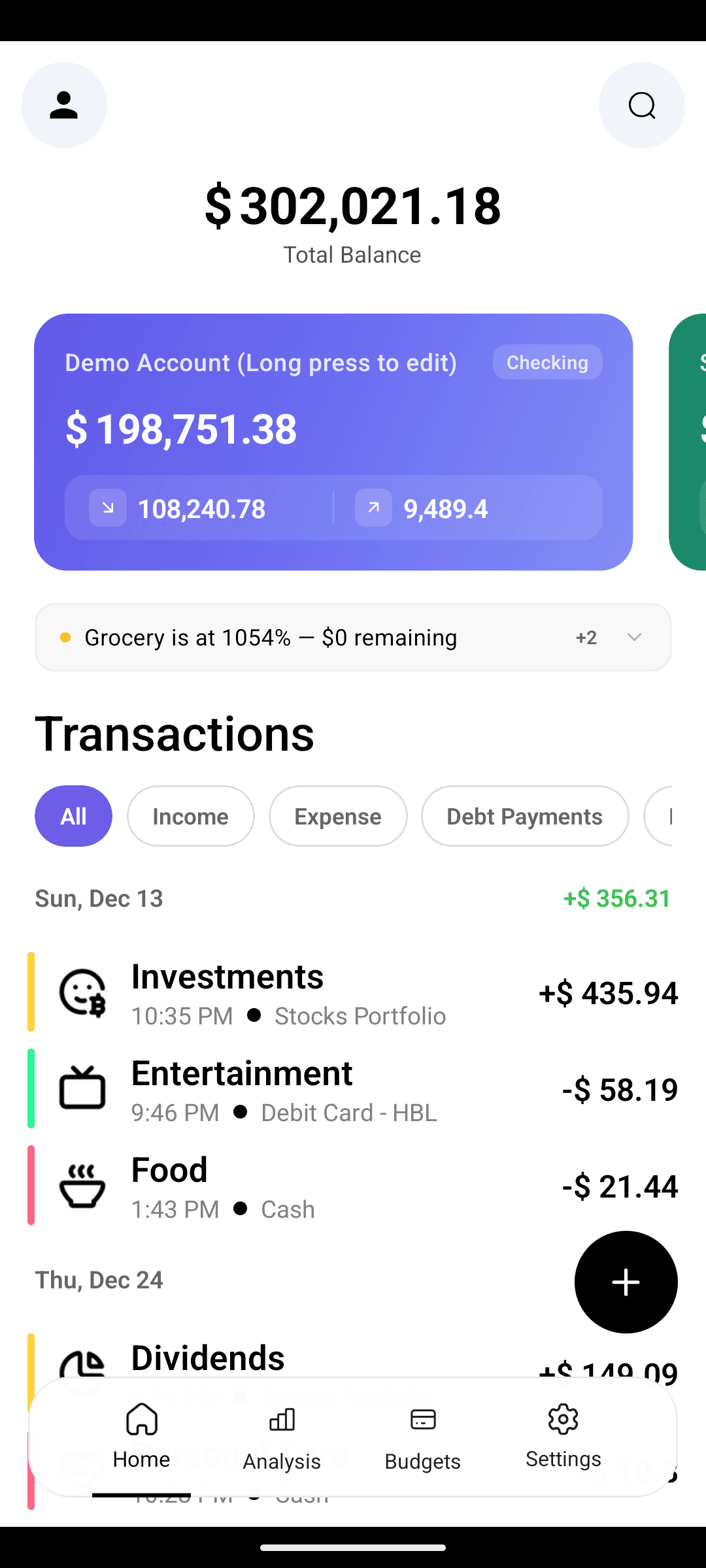
How to Actually Stick With Expense Tracking (Habit, Not Willpower)
The reason you quit the last budget app wasn't discipline — it was missing cues. Here's how daily reminders and AI insights turn tracking into an automatic habit.
Read More