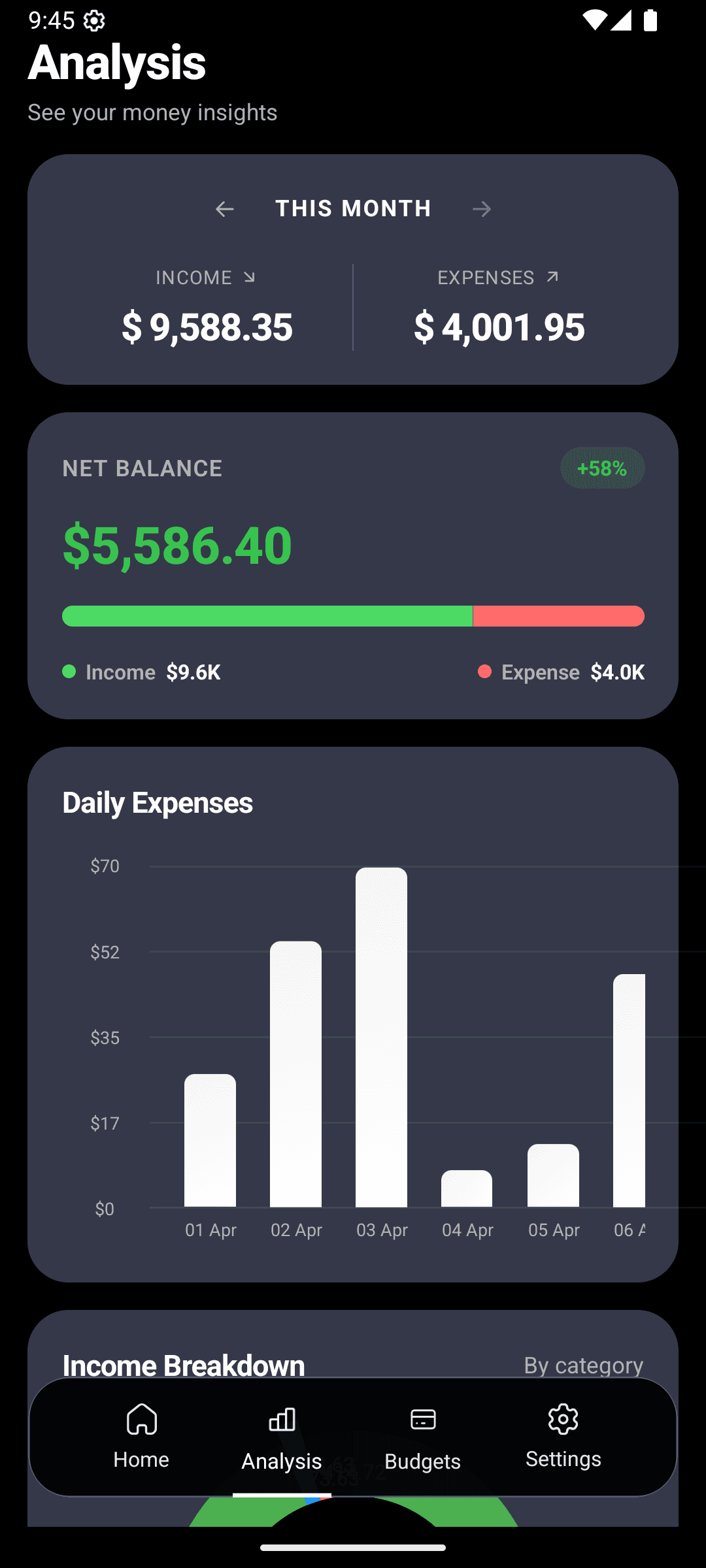
You use your finance app every day -- sometimes multiple times a day. It should feel like yours. CashFlow AI offers full visual customization with dark mode, light mode, system default, and 14 vibrant accent colors so you can create an experience that matches your personal style.
Dark Mode, Light Mode, or System Default
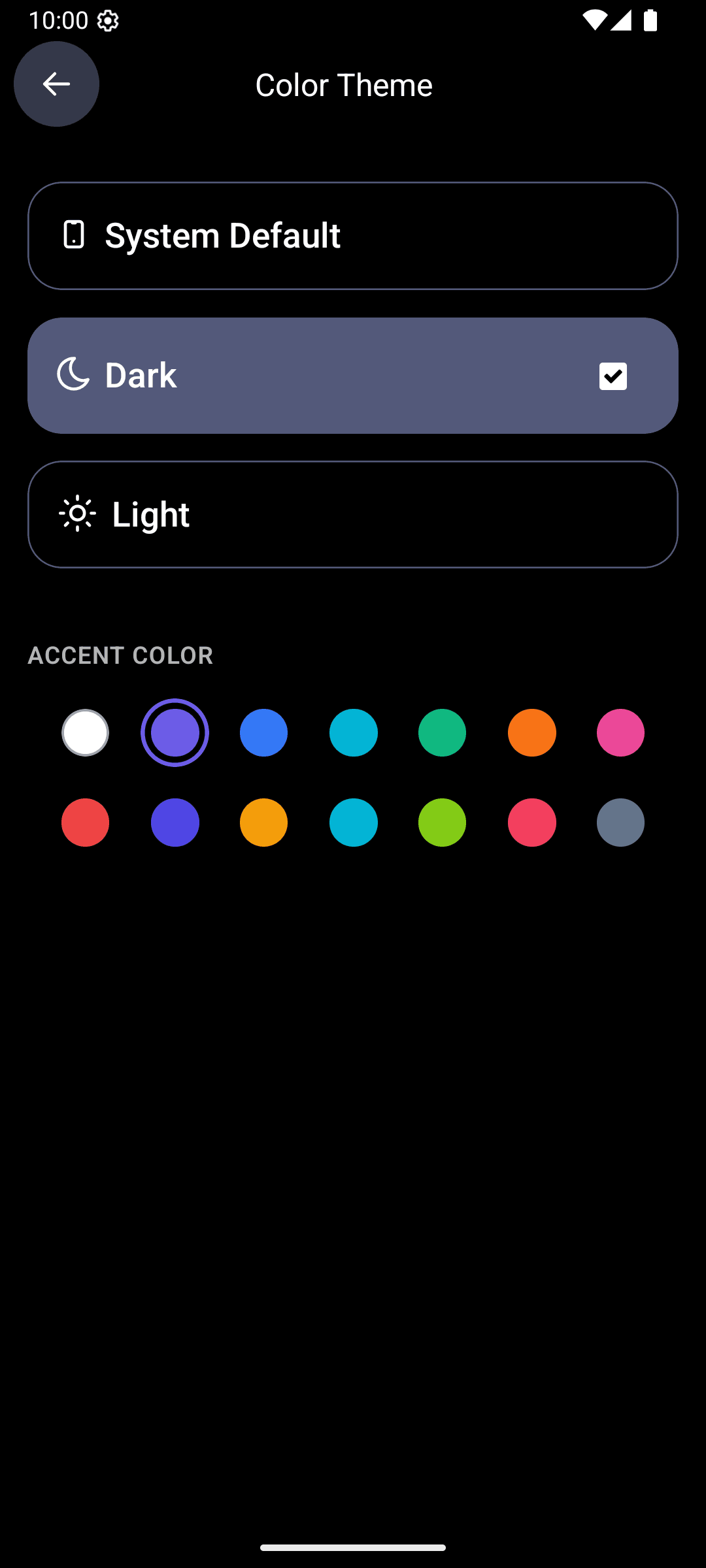
CashFlow AI supports three theme modes:
Dark Mode -- A rich, dark interface that is easy on the eyes, especially at night. Dark backgrounds with high-contrast text and glowing accent colors create a premium, modern feel. Most users prefer dark mode for everyday use.
Light Mode -- A clean, bright interface with crisp whites and soft grays. Perfect for daytime use or anyone who prefers a lighter aesthetic. All charts, progress bars, and cards are optimized for readability in both modes.
System Default -- Let CashFlow AI automatically match your phone's current theme. When your phone switches to dark mode at sunset, the app follows. This hands-off option is ideal if you already use automatic theme scheduling on your device.
Switching between modes is instant -- one tap in settings and the entire app transforms.
14 Accent Colors
Beyond the base theme, CashFlow AI lets you choose from 14 accent colors that define the look of buttons, progress bars, charts, and highlights throughout the app. Options include:
- Classic Blue
- Royal Purple
- Teal
- Emerald Green
- Sunset Orange
- Hot Pink
- Ruby Red
- Ocean Blue
- Amber
- Indigo
- Coral
- Mint
- Slate
- Lavender
Your chosen accent color appears everywhere: budget progress bars, chart highlights, active tabs, toggle switches, and action buttons. It is a small detail that makes the app feel distinctly yours.
Why Personalization Matters
This might seem like a cosmetic feature, but personalization has a real impact on app usage:
Ownership -- When an app looks and feels like you designed it, you are more likely to open it regularly. And in expense tracking, consistency is everything. The more often you log transactions, the more accurate your budgets and analytics become.
Comfort -- Dark mode is not just a preference; for many people it reduces eye strain, especially during late-night expense logging. Light mode is better for outdoor visibility. Having the choice means the app is comfortable in every situation.
Delight -- Personal finance does not have to feel clinical. A vibrant accent color paired with a sleek dark theme turns a routine chore into something you do not mind opening. Small design touches matter.
A Beautiful App Across Every Feature
The theme you choose carries across the entire CashFlow AI experience:
- Home screen -- Account cards and balance overview adapt to your theme
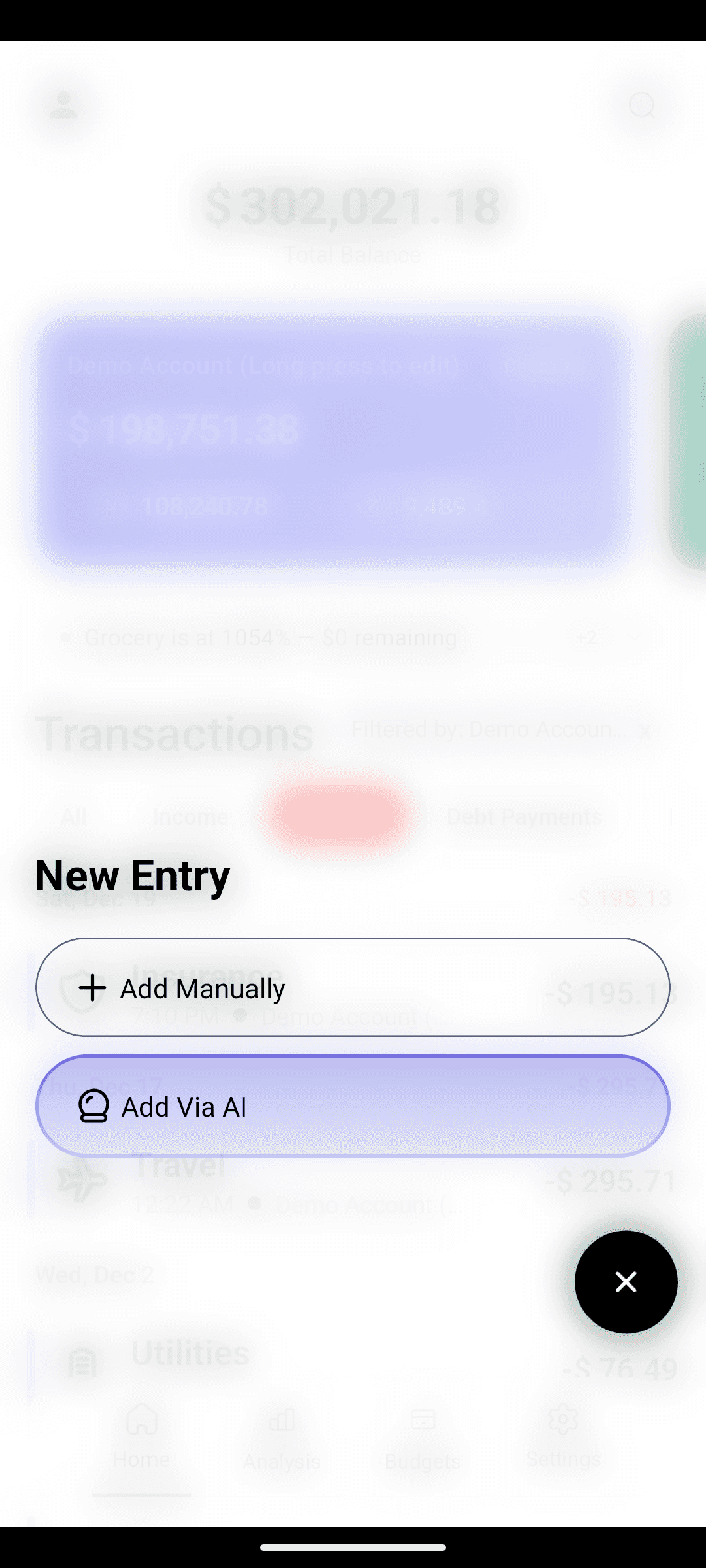
- AI entry -- The natural language input interface respects your color choices
- Budgets -- Progress bars use your accent color for a cohesive look
- Analytics -- Charts and graphs incorporate your accent color for consistency
- Categories -- The category management screen matches your theme
- Settings -- Even the settings page feels polished and on-brand
Every screen has been designed to look great in every combination of theme mode and accent color. That is 28+ visual combinations, all polished and tested.
How to Customize Your Theme
- Open CashFlow AI and go to Settings
- Tap Appearance or Theme
- Choose Dark, Light, or System Default
- Pick your accent color from the 14 options
- See the change applied instantly across the app
There is no restart required and no settings to save. Changes are immediate and persist until you decide to switch again.
Beyond Looks: A Complete Finance App
Of course, a beautiful app is meaningless without powerful features behind it. CashFlow AI combines its customizable design with AI-powered expense entry, intelligent search (coming soon), smart budgets, detailed analytics, multi-account management, multi-currency support, and smart notifications -- all wrapped in a theme that feels like home.
Download CashFlow AI for free on Google Play and make it yours. Pick your theme, choose your color, and start managing your finances in style.