A pile of transactions tells you nothing. A chart tells you everything.
If you've ever ended a month thinking "where did it all go?" — you don't have a spending problem. You have a visibility problem. Here's the 60-second dashboard that fixes it.
The short version
- Four charts answer the four questions that matter.
- Weekly scan takes 2 minutes. Monthly review takes 10.
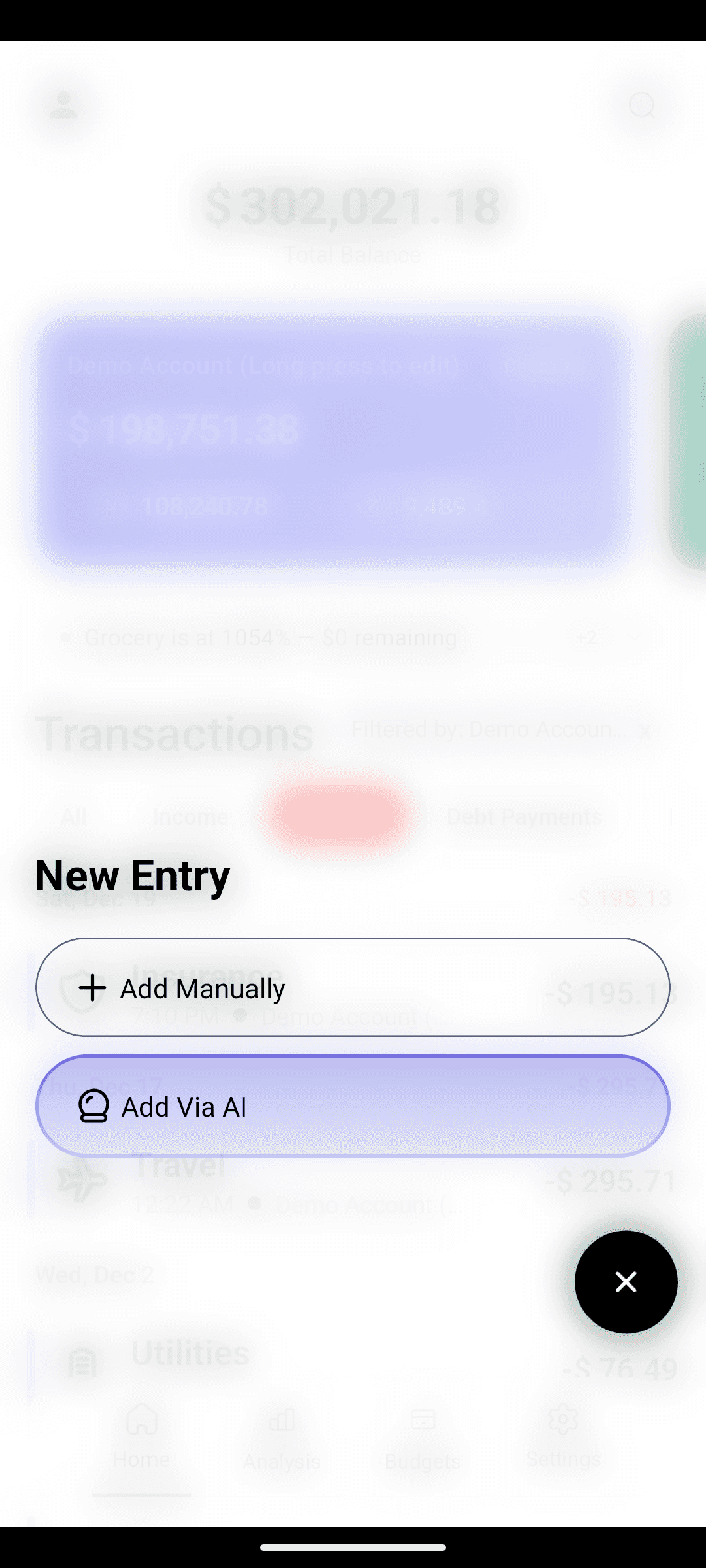
- Every number is trustworthy because AI entry catches every expense.
The four questions your analytics should answer
1. "Am I earning more than I'm spending?"
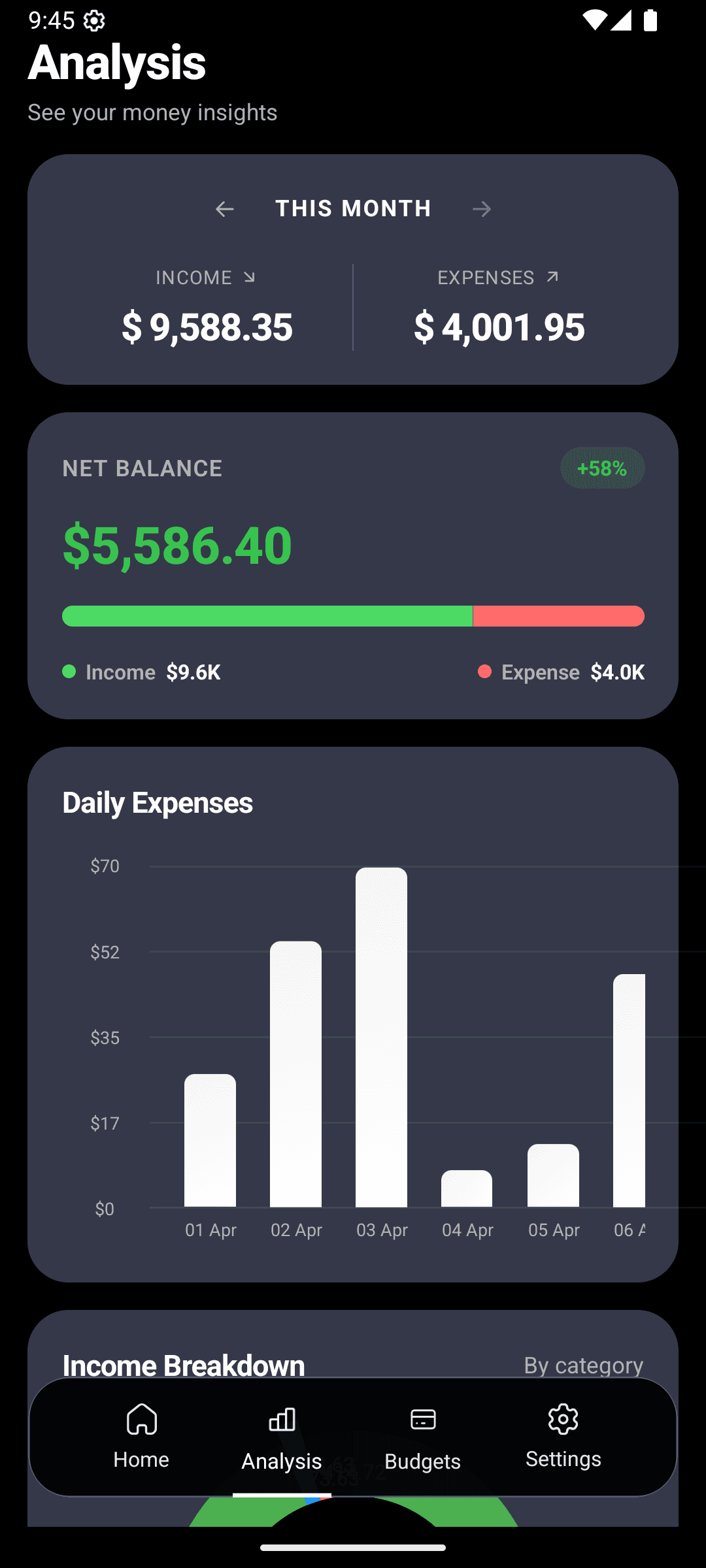
The Income vs Expenses bar sits at the top of the dashboard. Green number = you kept money this month. Red number = you didn't.
That's it. That's the most important number in personal finance, and most apps bury it.
2. "Which days do I spend the most?"
The daily spending chart is a bar per day. Spike days are obvious. Patterns emerge within a week of consistent logging:
- Friday-Saturday spikes — you're an "out-on-weekends" spender
- Spikes around paydays — you're a "treat yourself" spender
- Spikes mid-week — probably grocery runs or delivery habits
Once you see the pattern, you can spend on purpose instead of by default.
3. "What's eating my budget?"
The category donut shows exactly how your money splits. Expect surprises. Almost everyone underestimates at least one category by 30%+ when they first see this chart.
Common offenders:
- Dining Out (the "I'll just grab something" category)
- Shopping (every Amazon tap adds up)
- Bills & Subscriptions (the drip you forgot was running)
4. "Am I trending better or worse?"
The month-over-month line tells you whether your changes are working. If you cut your dining budget and the line goes flat — great, hold the course. If it keeps climbing — your system needs adjusting, not your willpower.
The weekly 2-minute scan
Do this every Sunday
- Open Analytics.
- Look at daily spending — any unexpected spikes? Tap to see what caused them.
- Glance at the category donut — any slice bigger than it should be?
If nothing jumps out, close the app. You're done. Don't turn this into a chore.
The monthly 10-minute review
End of the month, ask yourself four things while looking at the dashboard:
- 1
Net balance — positive or negative?
Positive: what did you do right? Do more of it. Negative: which category drove it? That's your target for next month.
- 2
Category breakdown — anything embarrassing?
Be honest. This is a private screen on your phone. If Dining Out is 30% of your spending and you were trying to cut it, that's useful information.
- 3
Compare to last month — trending right?
Better or worse than 30 days ago? The trend matters more than any single month.
- 4
Budget performance — which were red?
Open budgets and see which categories you blew through. Adjust limits if needed, or commit to the number for next month.
Multi-account, one picture
Got a checking account, a credit card, and a cash wallet? Multi-account tracking rolls them into one unified view — so the analytics reflect your real spending, not just what flowed through one card.
You can also filter to a single account when you need to — useful for tracking "just the credit card" or "just my business card."
Analytics are only honest if your data is complete
A category donut based on 60% of your expenses is lying to you. That's why the analytics dashboard is downstream of frictionless AI entry — 5-second logging is what makes the charts trustworthy.
Turn your spending into a chart you can actually read.
Free on Android. Your first insight is one week of logging away.