If you have ever abandoned a budgeting app because logging every coffee, grocery run, and subscription felt like a chore, you are not alone. Studies show that over 60% of people quit expense tracking within the first month because the process is simply too tedious. CashFlow AI was built to change that -- by letting artificial intelligence handle the heavy lifting so you can focus on your finances instead of fighting with forms.
The Problem with Traditional Expense Trackers
Most personal finance apps follow the same pattern: tap "Add Transaction," pick a category from a dropdown, type the amount, choose the date, select an account, and hit save. That is five to seven taps per entry. When you make a dozen transactions a day, the friction adds up fast.
The result? People start strong, then gradually stop logging. Incomplete data leads to inaccurate budgets, and the entire system falls apart. The best expense tracker is one you actually use, and that means removing every possible barrier between you and your data.
How Natural Language AI Entry Works
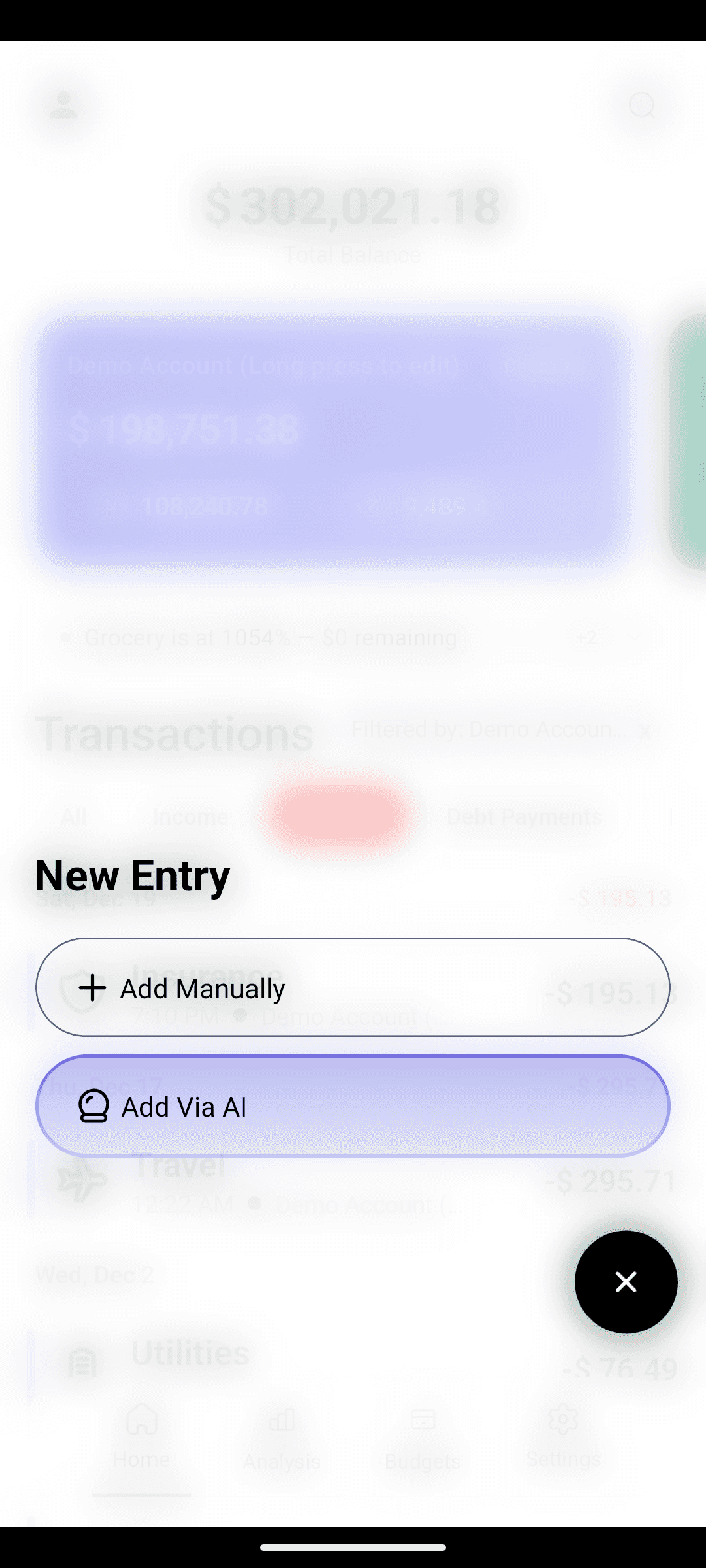
CashFlow AI takes a fundamentally different approach. Instead of filling out forms, you simply type what you spent in plain language -- the same way you would text a friend.
Here are some examples of what you can type:
- "Spent $45 on groceries at Walmart"
- "Coffee $5.50"
- "Paid rent $1200 from checking"
- "Uber ride home $18"
- "Netflix subscription $15.99"
- "Lunch with Sarah $32 at Olive Garden"
The AI instantly parses your input and extracts the amount, category, merchant, and account -- all from a single sentence. There are no dropdowns to navigate, no categories to manually select, and no dates to set (it defaults to today unless you specify otherwise).
What Makes This Different from Voice Assistants?
Unlike voice-based solutions that require you to speak out loud (awkward in meetings or on public transit), CashFlow AI works through text input. You can discreetly log an expense in seconds, anywhere, anytime. The AI processes your entry locally on your device, which also means it works completely offline.
Automatic Expense Categorization
One of the most powerful aspects of AI-driven entry is automatic categorization. When you type "groceries at Walmart," the AI does not just record the amount -- it intelligently assigns the transaction to the Food & Groceries category without any manual input.
The categorization engine learns from common spending patterns:
- Food keywords like restaurant, groceries, lunch, dinner, and coffee map to the Food category
- Transport keywords like Uber, gas, parking, and metro map to Transportation
- Shopping keywords like Amazon, clothes, and electronics map to Shopping
- Bills keywords like rent, electricity, internet, and Netflix map to Bills & Subscriptions
If the AI is unsure, it picks the most likely category and you can adjust with a single tap. Over time, this means 99% of your transactions are categorized correctly without any effort on your part.
Speed Comparison: AI Entry vs. Manual Entry
Let us put real numbers to this. Logging a single transaction the traditional way typically takes:
- Manual entry: 15-25 seconds (open form, select category, type amount, choose account, save)
- AI entry in CashFlow AI: 3-5 seconds (type a sentence, tap send)
If you log just 5 transactions per day, that is the difference between 2 minutes of daily effort and 15 seconds. Over a month, AI entry saves you roughly 10 minutes of pure data entry time. More importantly, it removes the mental friction that causes most people to give up.
Real-World Examples
Here is how natural language entry handles different scenarios:
Splitting Expenses
Type: "Dinner $80 split with roommate, my share $40" The AI logs $40 under Food & Dining.
Recurring Bills
Type: "Monthly gym membership $35" Logged instantly under Health & Fitness.
Multiple Currencies
If you have multi-currency support enabled, you can type "Lunch 25 EUR" and the app handles the rest.
From a Specific Account
Type: "Gas $55 from credit card" The AI assigns it to the correct account and the Transportation category.
Beyond Entry: What Happens After You Log
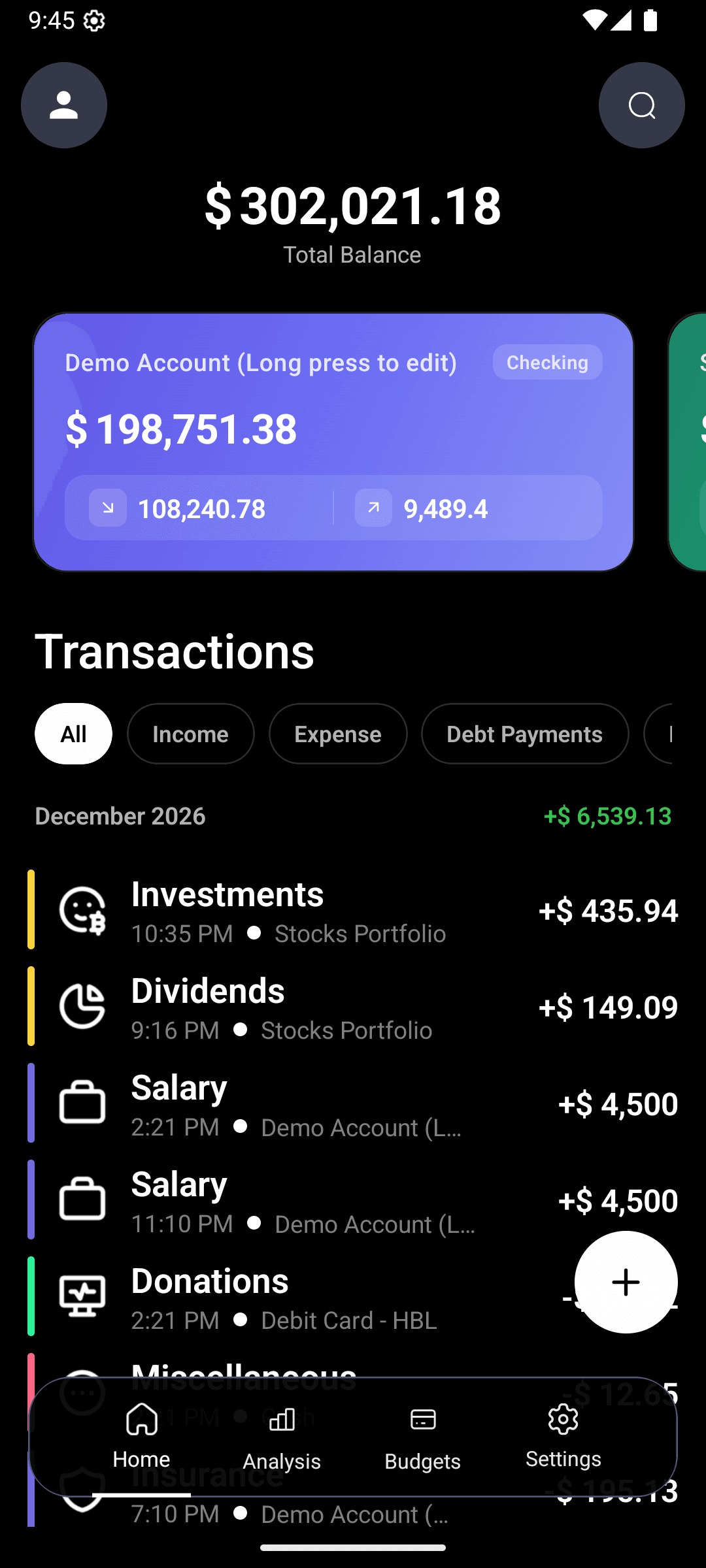
Once your transactions flow in effortlessly, the real power of CashFlow AI becomes visible. Your data fuels several powerful features:
Smart Budgets -- Set spending limits for any category and get real-time progress bars that show exactly where you stand. When AI entry makes logging every purchase easy, your budget tracking becomes genuinely accurate.
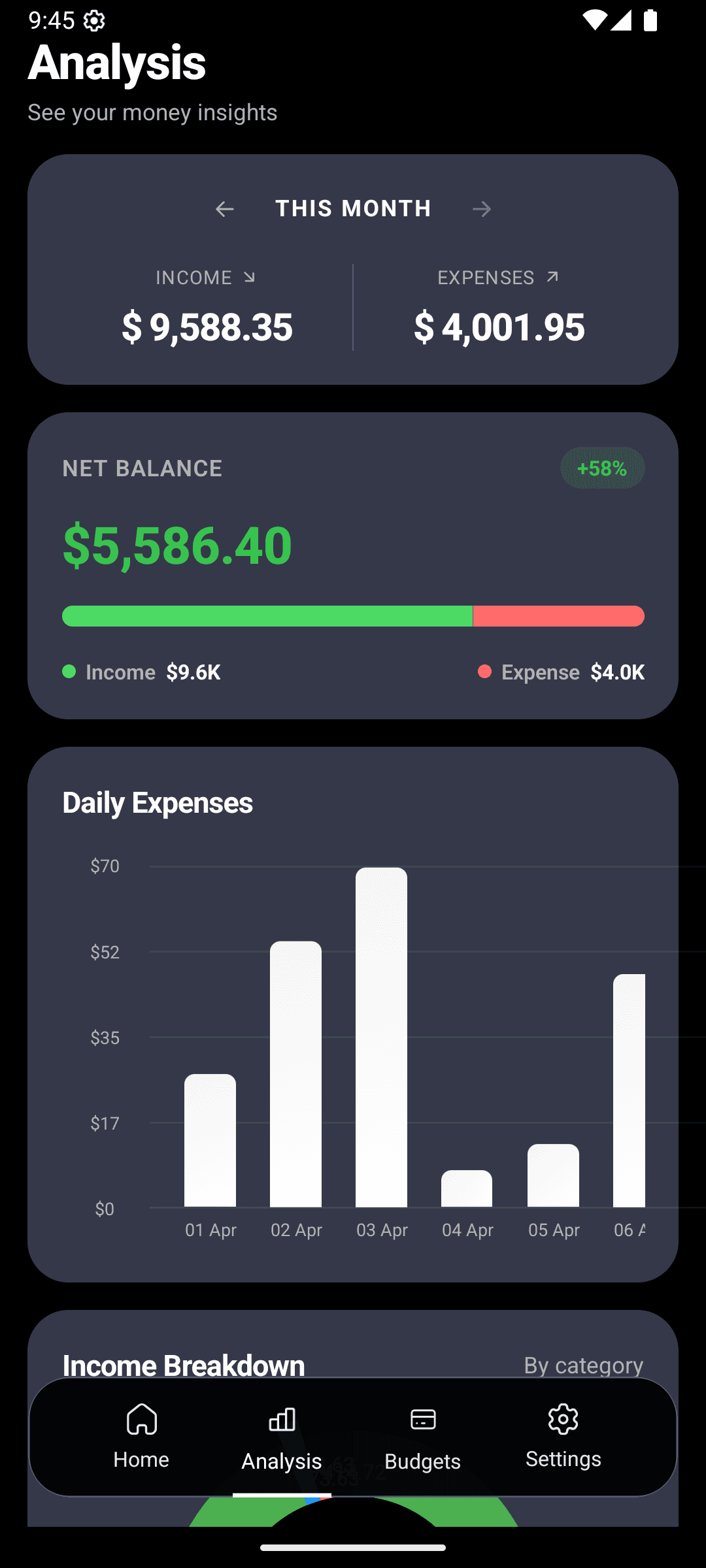
Visual Analytics -- Watch your spending patterns emerge through beautiful charts. The analytics dashboard shows income vs. expenses, daily spending trends, and category breakdowns -- all powered by the complete data that frictionless entry makes possible.
AI-Powered Search (Coming Soon) -- Soon you'll be able to ask questions like "How much did I spend on food this month?" and get instant answers. The upcoming AI search feature will work because your data is comprehensive and well-categorized from the start.
Why AI Entry Changes Everything
The magic of AI-driven expense tracking is not the technology itself -- it is what the technology enables. When logging an expense is as easy as sending a text message, you actually do it. When you actually do it, your financial data is complete. When your data is complete, your budgets, analytics, and insights are accurate. And when your insights are accurate, you make better financial decisions.
It is a virtuous cycle that starts with removing friction from the very first step.
Privacy and Security
A common concern with AI-powered apps is data privacy. CashFlow AI processes all natural language parsing on your device. Your financial data never leaves your phone, and we do not have access to your bank accounts or transaction history. Everything stays private and secure.
Getting Started
Ready to ditch the forms and start tracking expenses the smart way? CashFlow AI is free to download on Google Play. Set up takes less than 30 seconds, and you can start logging expenses with AI immediately.
Whether you are a meticulous budgeter or someone who has never stuck with a finance app, natural language entry makes it effortless to build a complete picture of your spending. Give it a try -- you will wonder how you ever tracked expenses any other way.