If your month looks like "rent in USD, groceries in EUR, coffee in JPY" — a single-currency app is useless to you.
CashFlow AI is built for lives that cross borders. Log in whatever currency you're holding. Keep one clean budget in the currency you think in.
The short version
- Set your primary currency once.
- Log in any supported currency — the AI picks it up from your text.
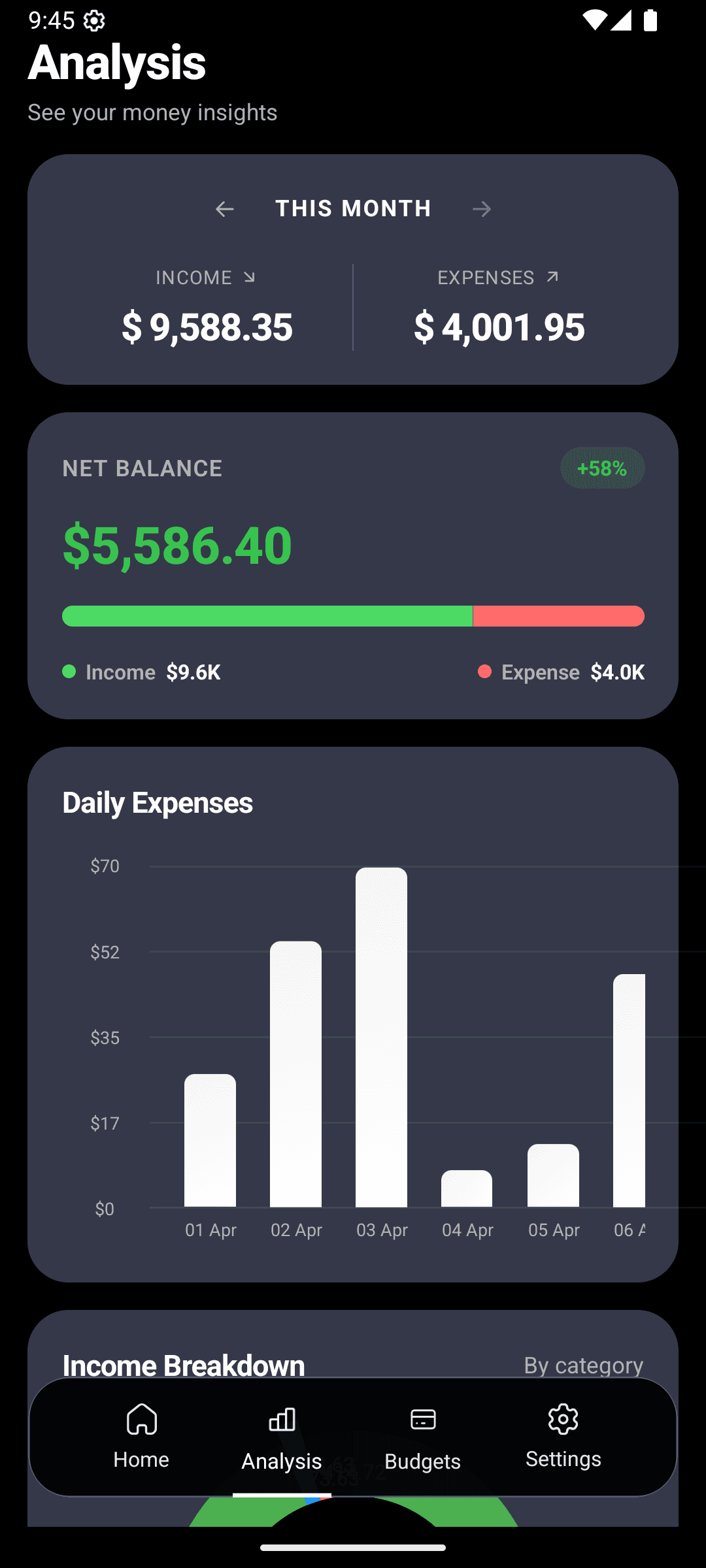
- Budgets and analytics stay in your primary currency so your picture is consistent.
Currencies we support
Most of the ones you're likely using, including:
USD · EUR · GBP
The big three
JPY · CAD · AUD · CHF
Common travel currencies
INR · PKR · AED · SAR
South Asia & GCC
Plus MXN, BRL, TRY, IDR, THB, PHP, SGD, HKD, KRW, ZAR, NGN, EGP — most currencies in active global use. Check the settings list inside the app.
How it works in one sentence
Type "lunch 15 EUR" or "taxi 2500 JPY" — CashFlow AI stores the original amount in the original currency and displays your budgets and analytics in the primary currency you set.
Type this, get that
dinner 45 EUR€45 · Dining Out · converted for analyticstrain 2500 JPY¥2,500 · Transportationrent 1200 USD$1,200 · Housingcoffee 180 PKRRs180 · Dining OutWho this is for
Frequent travelers
A two-week trip to Europe and Japan means three currencies. Log each one naturally. Ask at the end: how much did this trip cost?
Digital nomads & remote workers
Earning in USD, living in Bali. Your paychecks land in dollars, your groceries come out of a local account. Pair multi-currency with multi-account to keep both crystal-clear.
Expats
Rent in one currency, remittances home in another, savings in a third. No app built for "just US suburbanites" is going to handle your life. This one will.
International students
Tuition, rent, part-time income — often three different currencies. Keep them separate without doing the mental math every time.
The rules that keep multi-currency sane
Offline — because airports exist
All conversion happens locally. You can log in any currency with no signal — on a plane, in a taxi between terminals, on a train through the Alps. Data goes nowhere. Nothing is waiting for a connection.
This matters more than people realize. Most "international-friendly" apps silently fail the moment you leave WiFi, and that's when you're spending the most unfamiliar money.
Travel spending, untangled
After your next trip
- Open analytics and set the date range to your trip dates.
- Look at the category donut — "where did my trip money actually go?"
- Compare to your pre-trip estimate. Use the gap to plan the next trip more accurately.
Track your money across every border.
Free on Android. Log your first foreign-currency expense in seconds.