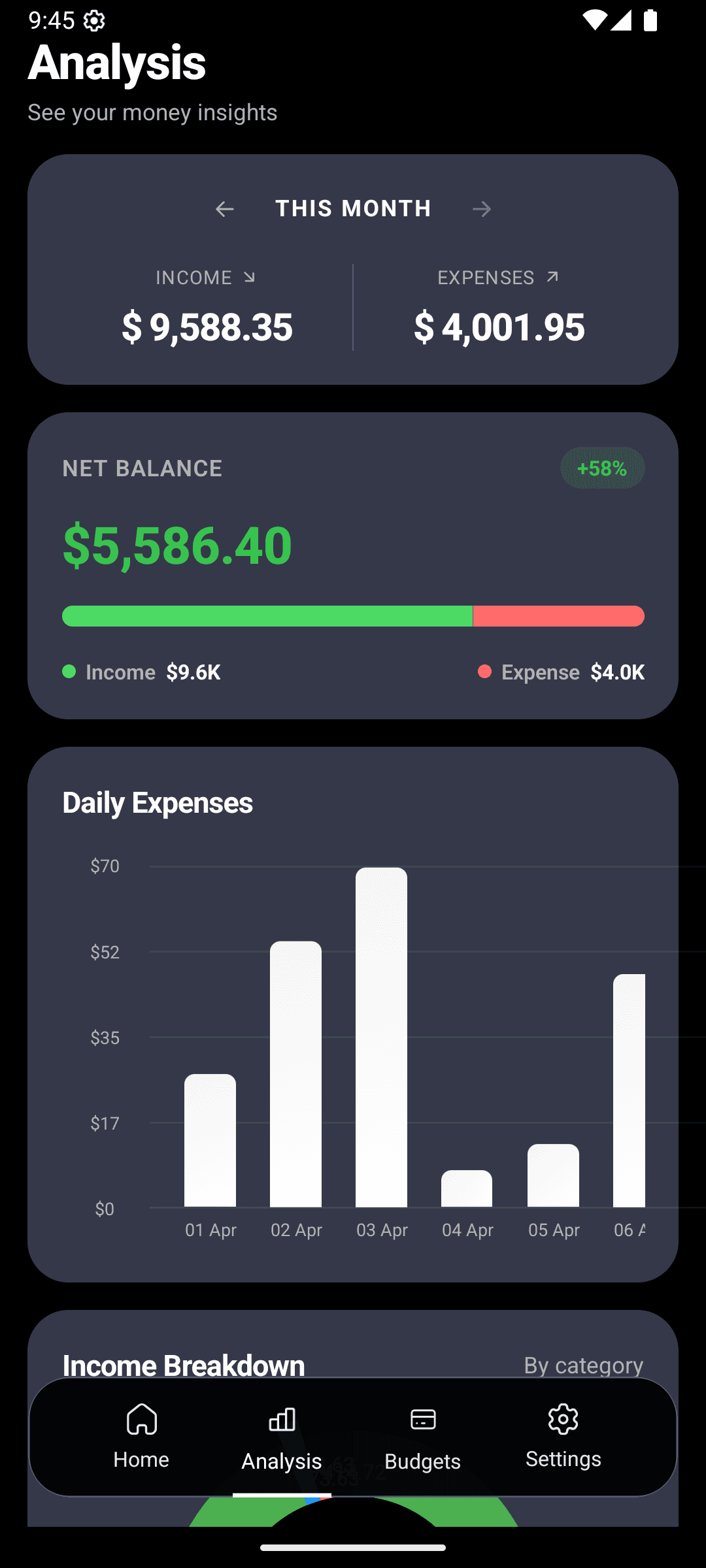
You set a budget on January 1. By January 18 you have no idea where you stand. By the 31st you've blown past groceries by $200 and you're not sure how.
This is how almost every budget fails. Not because you lack discipline — because your tracker doesn't talk to you until it's too late.
The short version
- Set a monthly limit per category in 30 seconds.
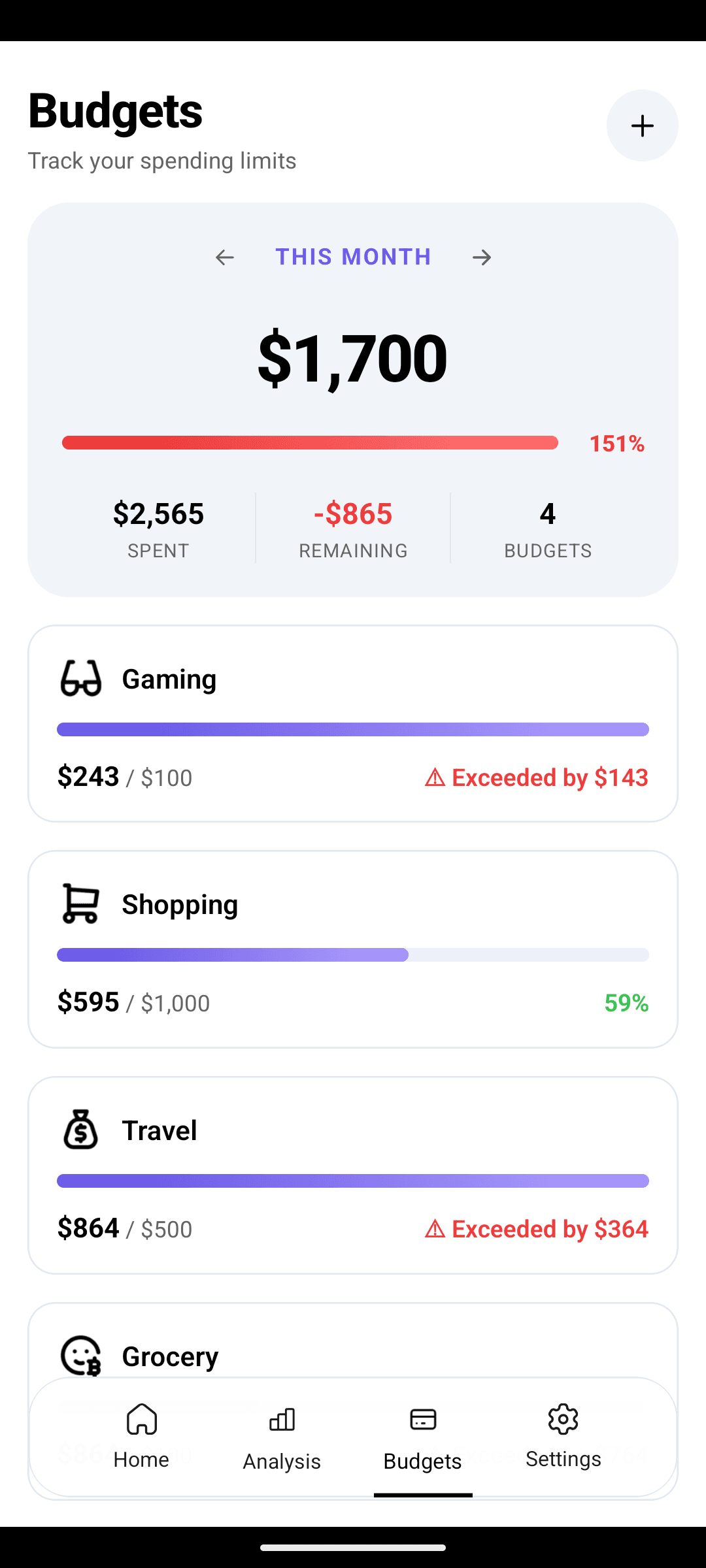
- Color-coded progress bars tell you where you stand at a glance.
- Alerts fire at 75%, 90%, and 100% — before the damage is done.
The problem isn't willpower — it's visibility
You don't overspend on purpose. You overspend because at 6pm on a Wednesday, standing in the grocery aisle, you genuinely don't know whether you've spent $280 or $480 on food this month. So you grab the second bottle of wine.
A good budget tracker answers "how much do I have left?" the second you ask.
Passive budgets (spreadsheets, most apps)
- You check the total at month-end
- By then, overspending has already happened
- No alerts — you have to go looking
- One big "budget" number, no category detail
CashFlow AI smart budgets
- Live progress bar per category, updated instantly
- Alerts at 75%, 90%, 100% — before you overspend
- Green / yellow / red at a glance
- Individual limits for groceries, dining, bills, etc.
Set up your first three budgets tonight
Most personal finance advice tells you to budget every line. That's how people quit in week two. Start with your top three pain categories.
- 1
Pick your three biggest spenders
Probably Food & Groceries, Dining Out, and Shopping — or whatever surprises you most at month-end.
- 2
Set a realistic limit
Look at what you actually spent last month. Cut it by 10–15% — not 50%. Ambitious but survivable.
- 3
Let the AI do the tracking
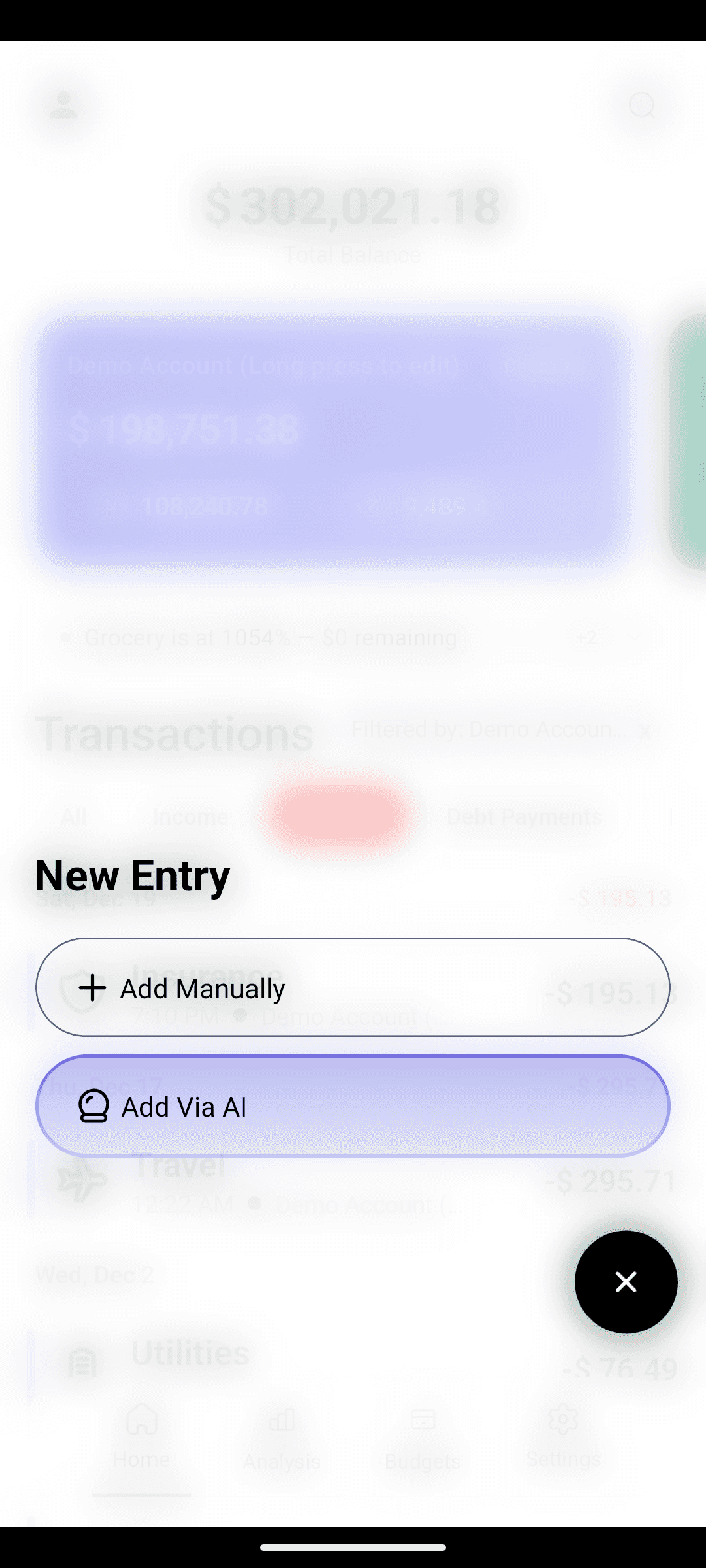
Every expense you log with natural-language entry auto-counts toward the right budget. No manual tagging.
The traffic-light system
< 70%
Green — spend freely
70–90%
Yellow — slow down
90%+
Red — stop before you bust
You glance at the home screen. You see a red bar. You put the thing back on the shelf. That's the whole system.
Real budgets for real life
| Category | If you spend like… | Start with | |---|---|---| | Groceries | A couple cooking at home | $500–$700 | | Dining Out | Eat out 2–3x/week | $150–$250 | | Transportation | Commute + occasional rides | $120–$180 | | Entertainment | Streaming + 1 outing/week | $80–$120 | | Shopping | Normal month, no big items | $150–$250 |
These aren't prescriptions — they're starting points. Adjust after your first 30 days when real data is in.
Why granular beats "one big budget"
A single $3,000/month ceiling tells you nothing. You could be eating out every night and skipping groceries entirely — and you'd still look fine on paper.
Per-category limits surface where the drift is happening. You'll notice Dining Out is always the one that runs red, or that Shopping spikes in the last week of every month. That's the kind of pattern that changes behavior.
Review in 2 minutes, not 2 hours
Every Sunday, open the app and scan your bars. You're looking for:
- Anything red — can you reallocate from a green category?
- Anything at 0% — is the limit unrealistically low, or did you just miss logging?
- The category you're always fighting — time to tighten it, or time to raise it and cut somewhere else?
Two minutes. That's the entire weekly ritual.
The data problem — and how AI solves it
Budget tracking only works if every expense is logged. Miss a week and the numbers lie to you. That's why AI expense entry is the foundation here — logging in 5 seconds means you actually do it.
And because the AI auto-categorizes each transaction, your budget math stays accurate without any effort. Type "coffee 5" → counted against Dining Out. Type "gas 45" → counted against Transportation. You never have to sort or review.
Stop guessing whether you have budget left this week.
Set up your first three budgets in under 2 minutes. Free on Android.