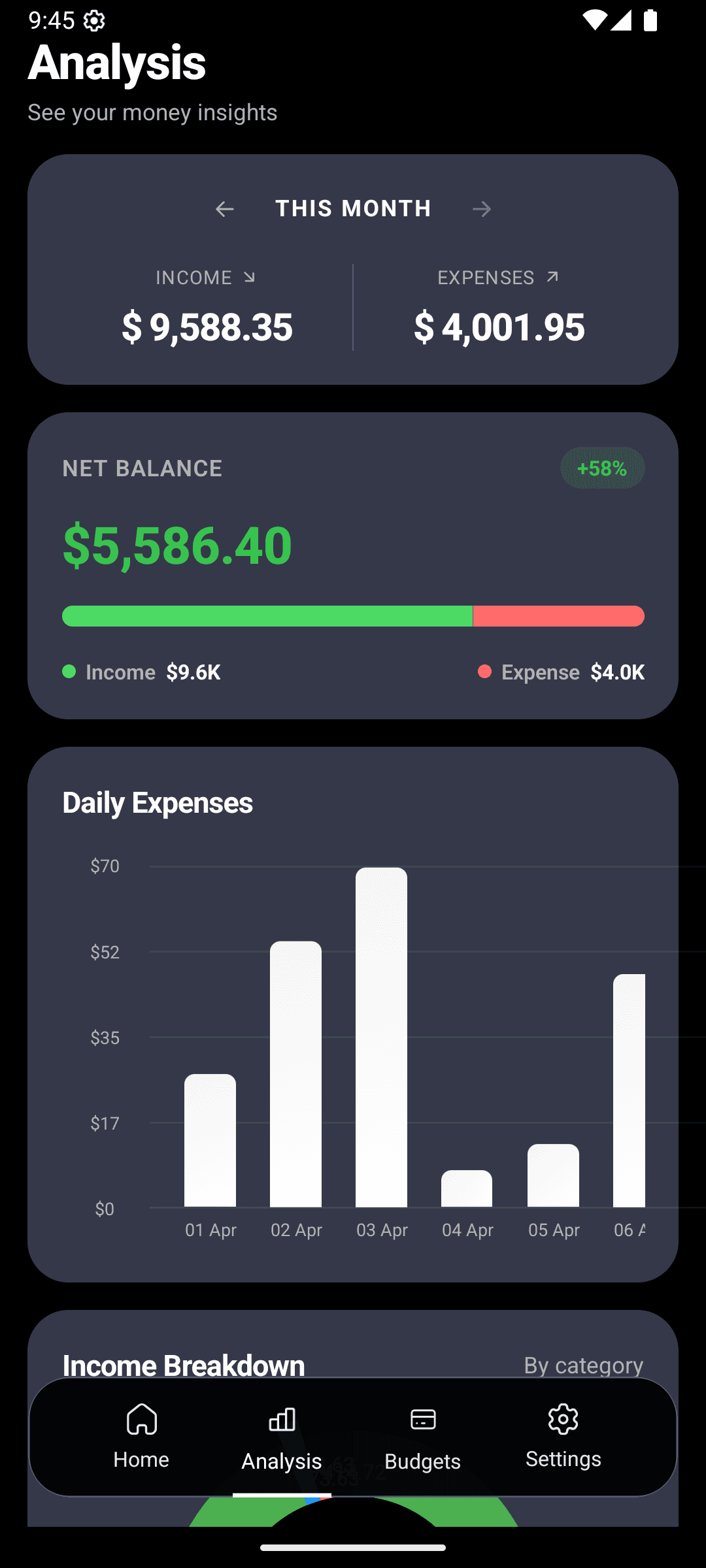
You didn't fail at budgeting. The app failed to remind you.
Every habit research study says the same thing: behaviors stick when there's a cue tied to them. Without the cue, even willing people forget. That's the one thing almost every finance app gets wrong.
The short version
- One daily reminder at your chosen time — not 10 pings a day.
- AI insights on the home screen give you a reason to actually open the app.
- Budget alerts fire at 75% / 90% / 100% — before the damage is done.
The daily reminder — set it once, forget it
Most people put theirs at 8pm or 9pm: the day is basically over, you're unwinding, and logging takes 30 seconds total. Pick a time that catches you sitting still.
- 1
Settings → Notifications → Daily Reminder
Toggle on, pick your time.
- 2
For the first week, treat it like an alarm
Open the app every time. Log anything you missed. It should take under a minute.
- 3
By week three, you won't need the reminder
You'll be logging in-the-moment and the evening check-in becomes a sanity scan, not a chore.
What AI insights actually look like
Open the home screen and you'll see one or two callouts like these, based on your last few weeks:
"You spent 25% more on dining out this week vs last week."
"Your grocery spending is on track with your monthly budget."
"You've saved $120 more this month than last."
"Transportation costs are trending up — you might want to check."
Generic advice ("spend less!") is garbage. Specific advice ("you're up 25% on dining") is actionable. That's the difference.
The three-layer notification system
What most apps do
- Ping you every time you open the app
- Alert you *after* you've overspent
- Generic "keep budgeting!" nudges
- Or: total silence until you remember to check
CashFlow AI
- **Daily reminder** — one cue, at your time
- **Budget alerts** — at 75%, 90%, 100% thresholds
- **AI insights** on the home screen (no push spam)
- You control every notification. Turn anything off.
The 75% alert is the one that actually saves you money
By the time you hit 100% of a budget, the decision is already made — you've overspent. The alert that matters is 75%. That's the moment you're still in control, still have options, and can course-correct without feeling deprived.
Pair this with per-category budgets and you'll notice the alerts naturally train you. After a couple of months, you start adjusting before the alert fires, because you've internalized the pace.
What the home screen does when you open it
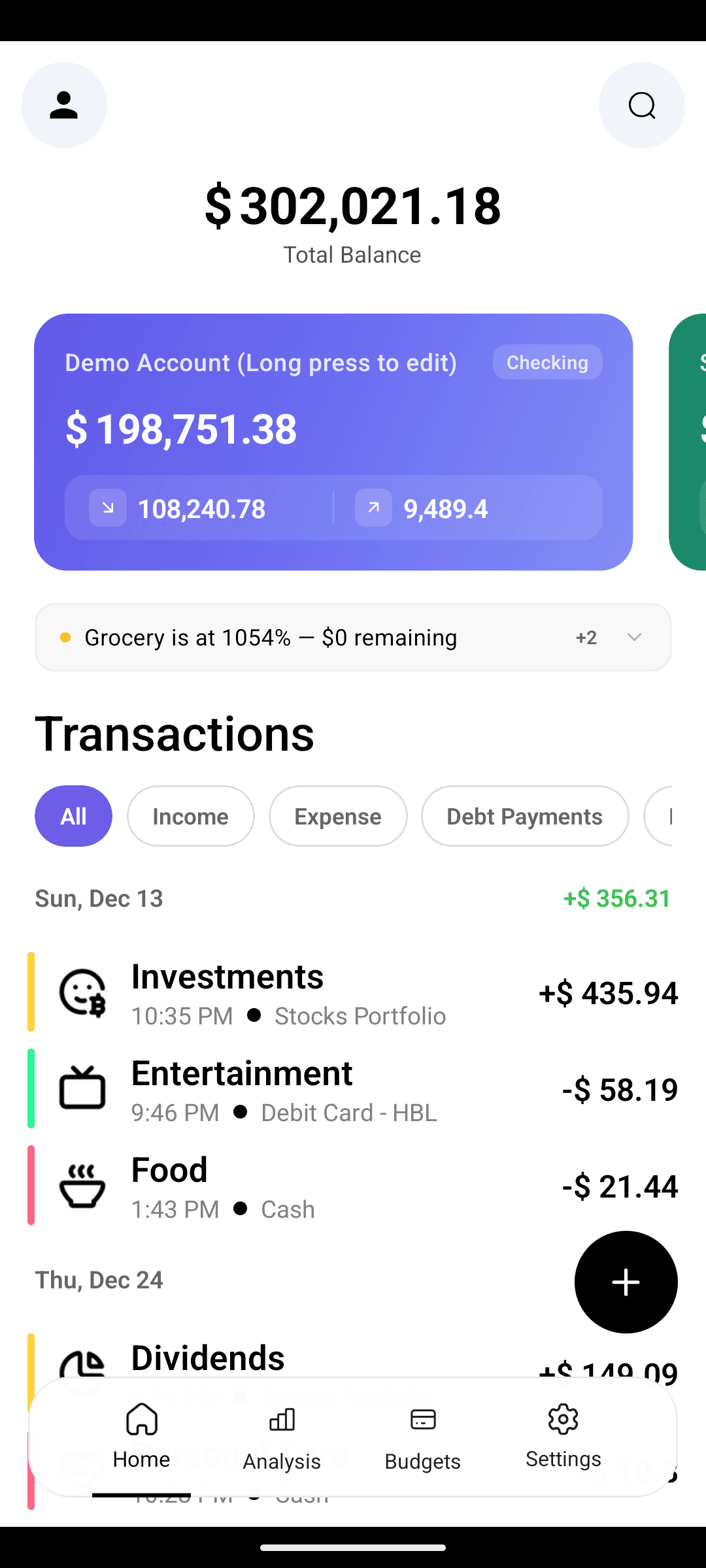
The reminder brings you to the home screen. In 30 seconds you see:
- AI insights — what happened this week that matters
- Account balances across your accounts
- Recent transactions — quick scan for anything you forgot
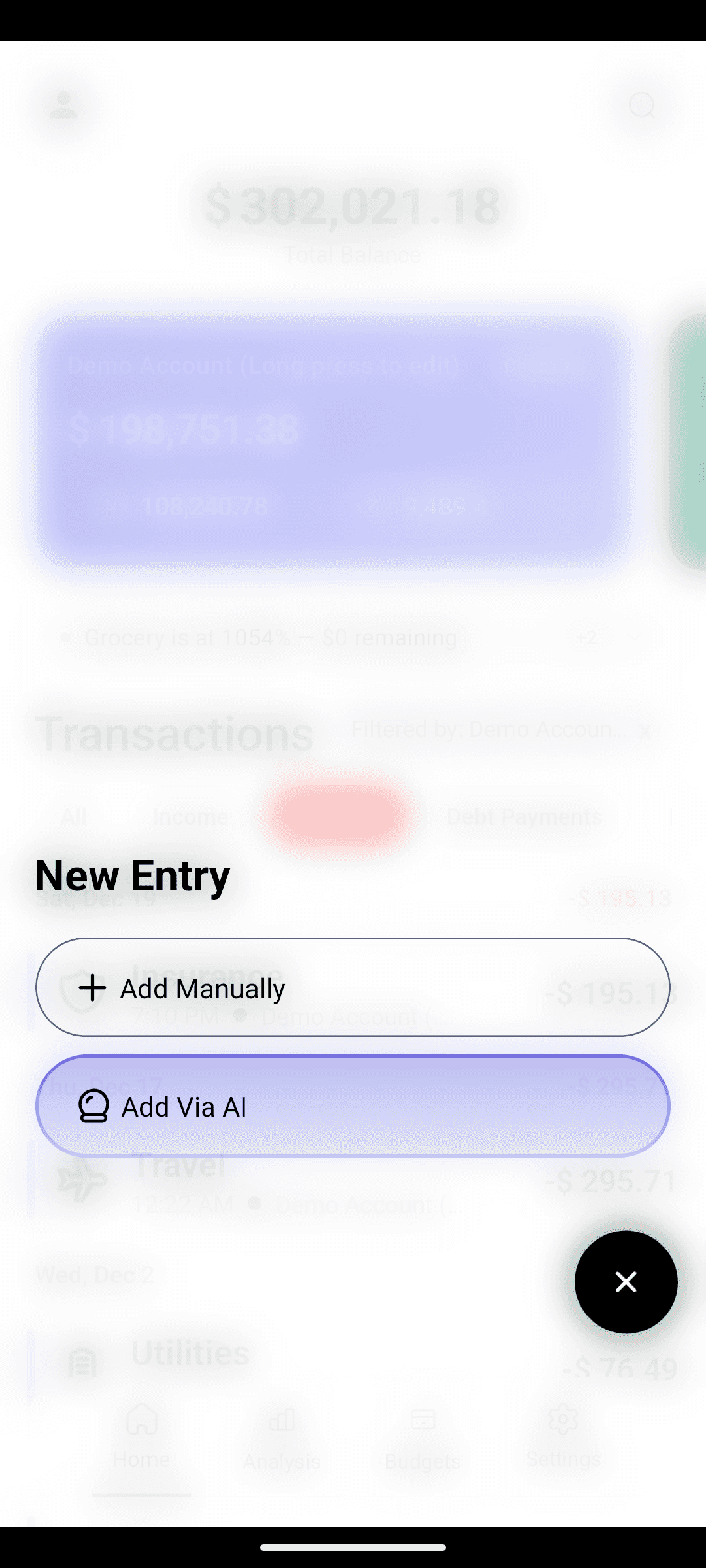
- Quick entry — log anything you missed with AI text input
Log, glance, close. The entire nightly ritual is under a minute.
The restraint rule
Notifications exist to build habit, not interrupt your life. You'll never get:
- A ping for every transaction
- Marketing nudges
- "Don't forget to check the app!" guilt-trips
- Haptic spam
You'll get one reminder, the budget alerts you asked for, and silence otherwise.
Turn expense tracking into autopilot.
Free on Android. The habit starts with one reminder.