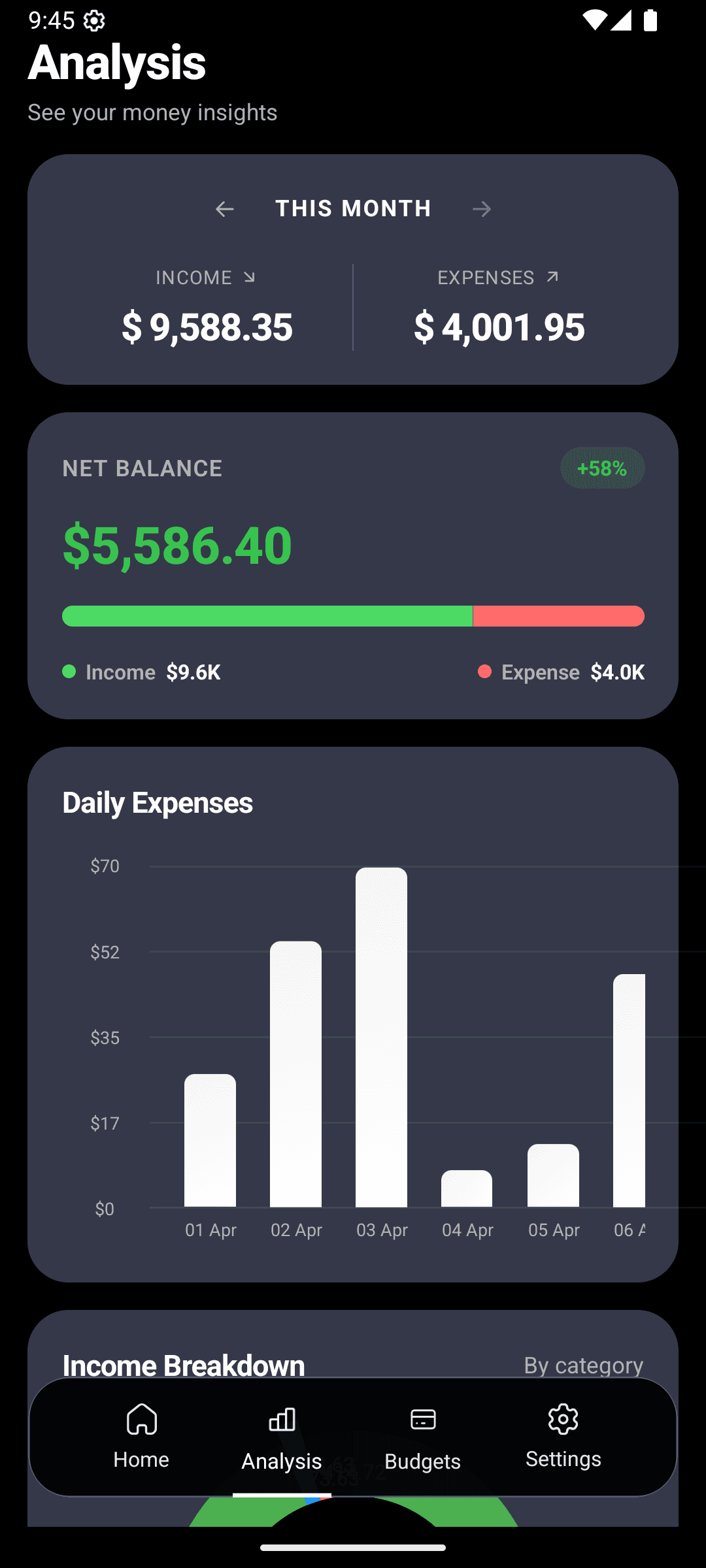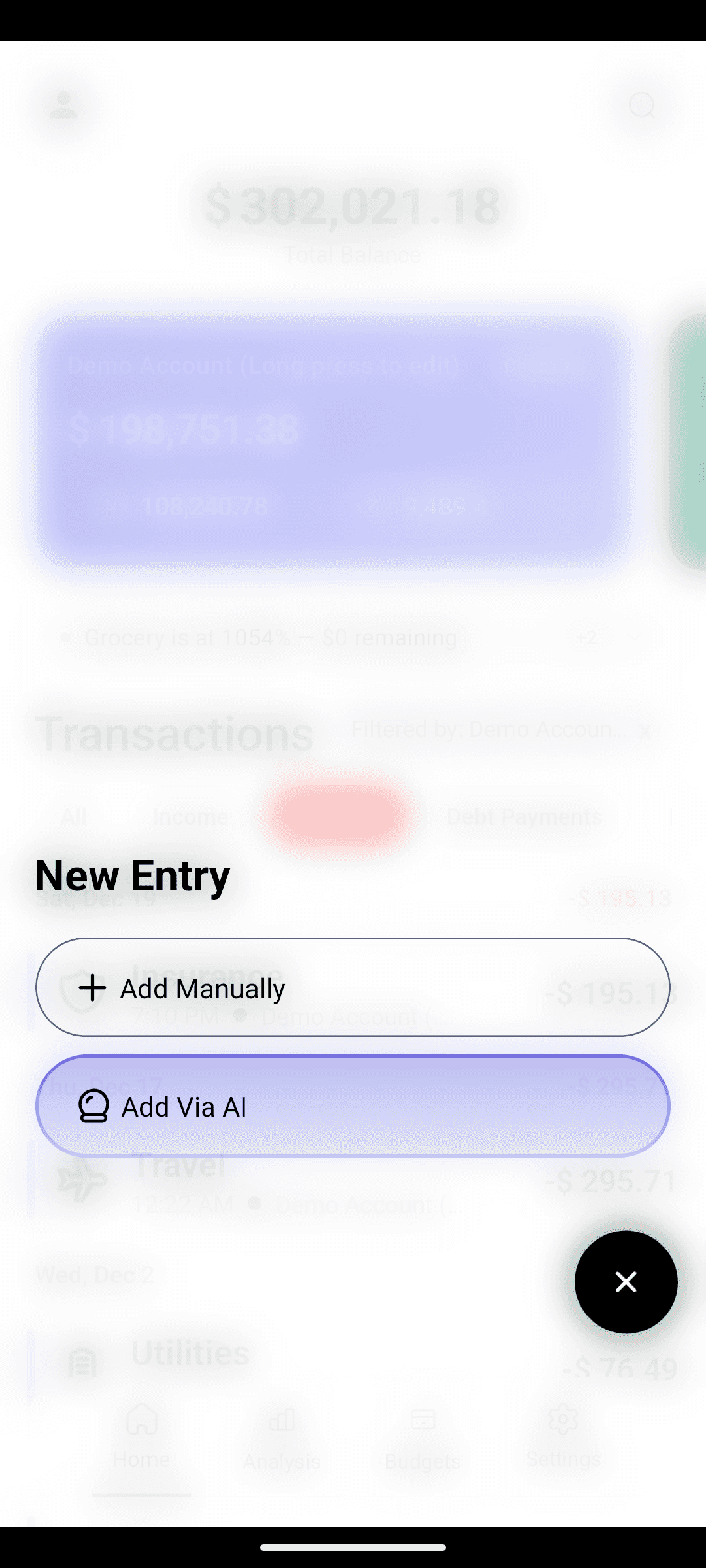
You don't have one account. You have a checking account, probably two credit cards, a savings account, and some cash in your wallet. Most finance apps pretend that's one number. It isn't.
The short version
- One screen shows every balance — checking, savings, credit cards, cash.
- Color-coded cards so you spot each account instantly.
- No bank linking. Your accounts stay private and your balances stay on your phone.
Why "one bucket" thinking fails
When every transaction dumps into a single blob, you lose the answer to two questions you ask all the time:
- "Did that $200 come off my checking or my credit card?"
- "What's the balance on my Amex right now?"
Without account-level tracking, you're making spending decisions with a blindfold on. Multi-account fixes that.
The account types you can track
- Checking — your day-to-day money
- Savings — the "don't touch" account
- Credit cards — tracked as debt (balance shows as negative)
- Cash wallet — the $5s and $10s that otherwise vanish
- Custom — digital wallets, foreign accounts, family pool, whatever
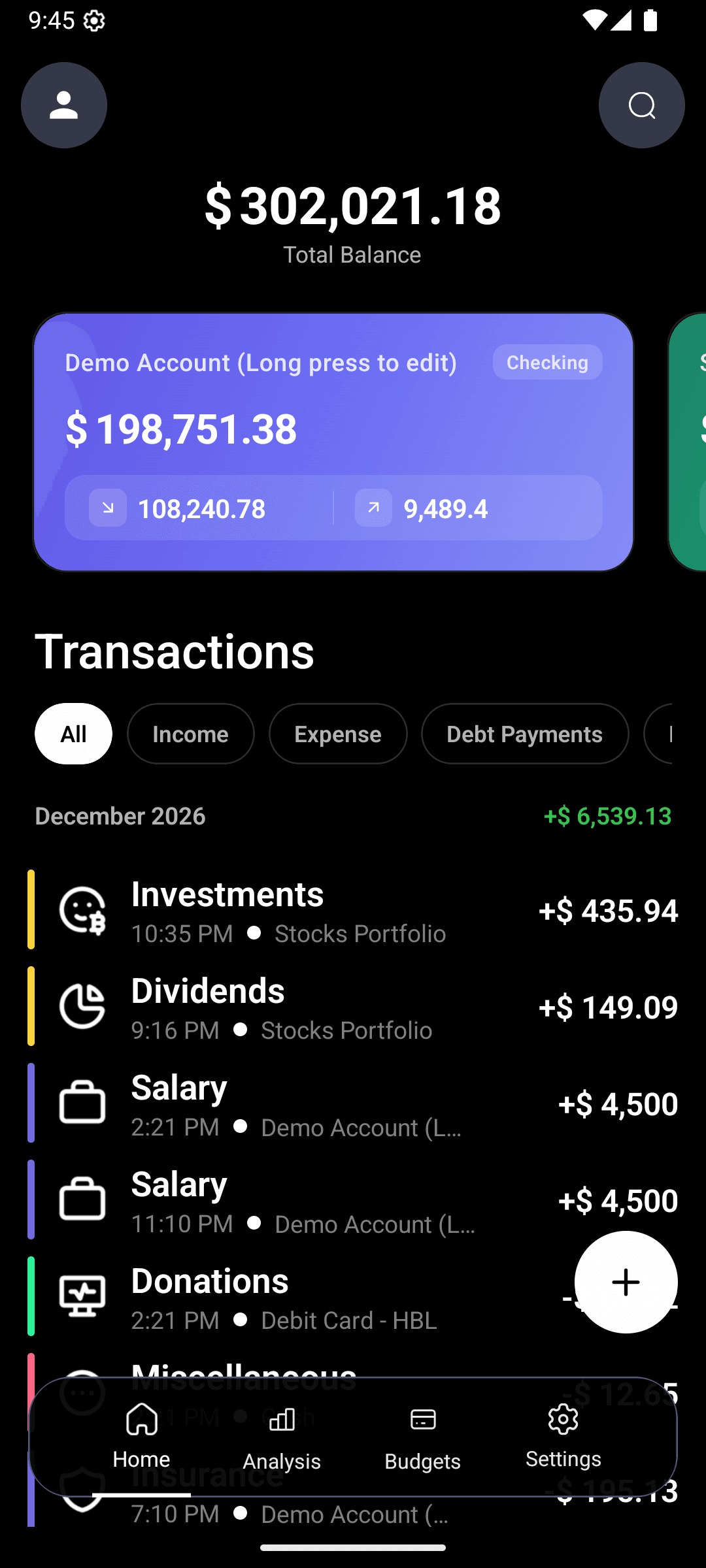
Each account gets a unique color, an icon, and a current balance. On the home screen, they stack as cards. One scroll, total clarity.
Setting up your accounts — 2 minutes total
- 1
Add your primary checking
Name it whatever you want ("Chase Checking", "Main"), set the starting balance to what's in the account right now.
- 2
Add your credit cards
Name each ("Amex Gold", "Chase Sapphire"). Starting balance = the current balance you owe.
- 3
Add cash and savings
Cash catches the small stuff. Savings keeps itself visible so you don't forget you have it.
- 4
Assign transactions as you log them
Type "coffee 5 from checking" or "shoes 120 on amex" — the AI picks up the account.
The total balance that actually makes sense
At the top of the home screen: your total net position. It's:
- Checking + savings + cash
- Minus credit card balances
This is the number that tells you whether you're actually building wealth or just moving money around. Most people see their checking balance and feel rich — then forget they owe $3,000 on a card.
Why tracking credit cards matters more than any other account
Credit cards are the #1 reason "I thought I was doing fine" turns into "how did I end up $5k in debt?"
When you swipe, the money doesn't leave anything visible. There's no balance ticking down, no cash leaving your hand. Three weeks later the statement arrives and you don't recognize half of it.
CashFlow AI treats your credit card as a real account with a real running balance. Every charge bumps it up in real time. You see the debt grow as you spend, which is exactly the friction credit cards are designed to remove.
Smart ways to use multiple accounts
Separate personal and side-hustle
Keep one checking account for personal use and one for freelance income. Log expenses to the right account and your analytics stay clean.
Budget per account
Give your "Amex" account a monthly spending ceiling and watch the bar fill. When it hits red, stop using that card.
Savings goal tracking
Make a savings account and name it "Emergency fund" or "Tokyo trip". Watching the balance grow is its own motivator.
Cash accountability
Cash is invisible money. Creating a "Cash wallet" account forces you to log the $8 coffees and $4 parking stops that would otherwise disappear.
This all works together
Multi-account + AI entry + smart budgets + analytics = a full picture that's actually yours. Not a partial view from one bank's app, not a spreadsheet you'll stop updating — a real view of where your money lives and moves.
Bring all your accounts into one honest view.
Set up all your accounts in under 5 minutes. Free on Android.