Your spending doesn't fit a template. A freelancer's expenses look nothing like a parent's. A traveler's don't look like a homeowner's. So why force your money into someone else's 12-category list?
The short version
- 20+ built-in categories cover the basics for everyone.
- Create unlimited custom ones in 10 seconds.
- AI auto-categorization learns your custom system as you use it.
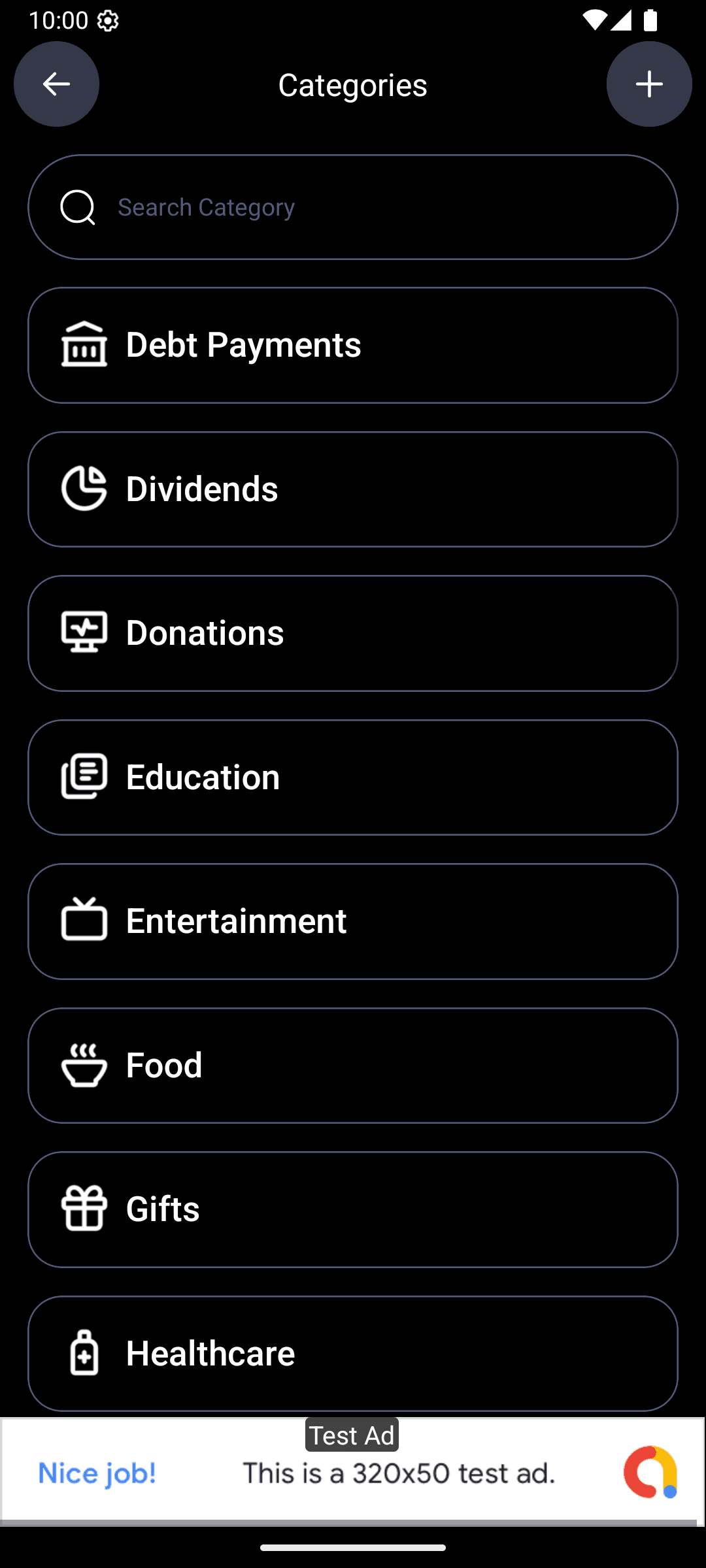
The categories you get out of the box
These cover 90% of normal spending. Most people never need to add anything:
- Food & Groceries — the weekly shop
- Dining Out — restaurants, takeout, coffee
- Transportation — gas, rideshares, transit, parking
- Shopping — clothes, electronics, household
- Entertainment — streaming, concerts, hobbies
- Bills & Subscriptions — rent, utilities, Netflix, gym
- Health & Fitness — doctor, pharmacy, gym fees
- Travel — flights, hotels, vacation
- Education — books, courses, tuition
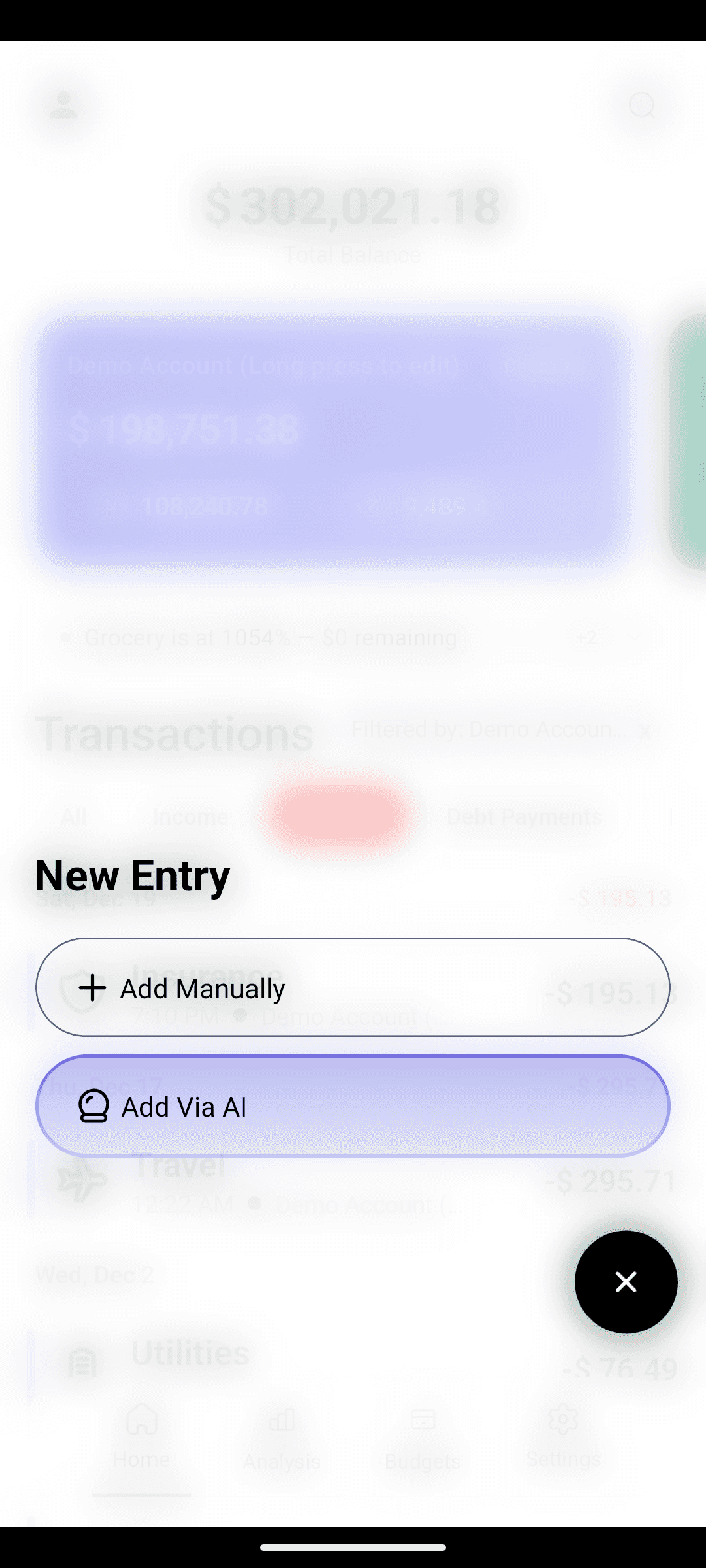
Plus a few more. The built-in list is what the AI parses against when you type an expense — "starbucks 5" goes to Dining Out, "exxon 40" goes to Transportation.
When you need a custom category
Make one when a built-in feels wrong. Common ones:
- Pet expenses — vet, food, grooming (splitting this from general shopping makes pet budgets real)
- Kids / childcare — daycare, activities, school stuff
- Side hustle — business costs separate from personal
- Home renovation — project-scoped, easy to kill when the project ends
- Date night — set a $150/month limit and enjoy it guilt-free
- Self-care — therapy, haircuts, whatever you'd lose track of otherwise
Creating one takes 10 seconds
- 1
Open Categories
From the home screen or settings.
- 2
Tap Add Category
Name it — "Dog stuff", "Pottery class", "Business travel", whatever makes sense to you.
- 3
Pick an icon and color
Color matters more than you'd think — it's how the donut chart identifies the slice at a glance.
- 4
Start using it
Type an expense that fits: "petsmart 35" → tag it "Dog stuff" once. Done. The AI associates PetSmart with that category from here on.
The AI learns your custom system
Here's the part that makes custom categories painless. The first time you tag "petsmart 35" to your custom "Dog stuff" category, the AI remembers. Next time you type "petsmart 42", it goes straight to "Dog stuff" without asking.
Your categorization system becomes self-maintaining after a week or two of use.
Categories drive everything downstream
A well-organized category system isn't just nice-to-have. It's what makes the rest of the app useful:
- Smart budgets per category — set $200/month for "Dog stuff", watch the progress bar
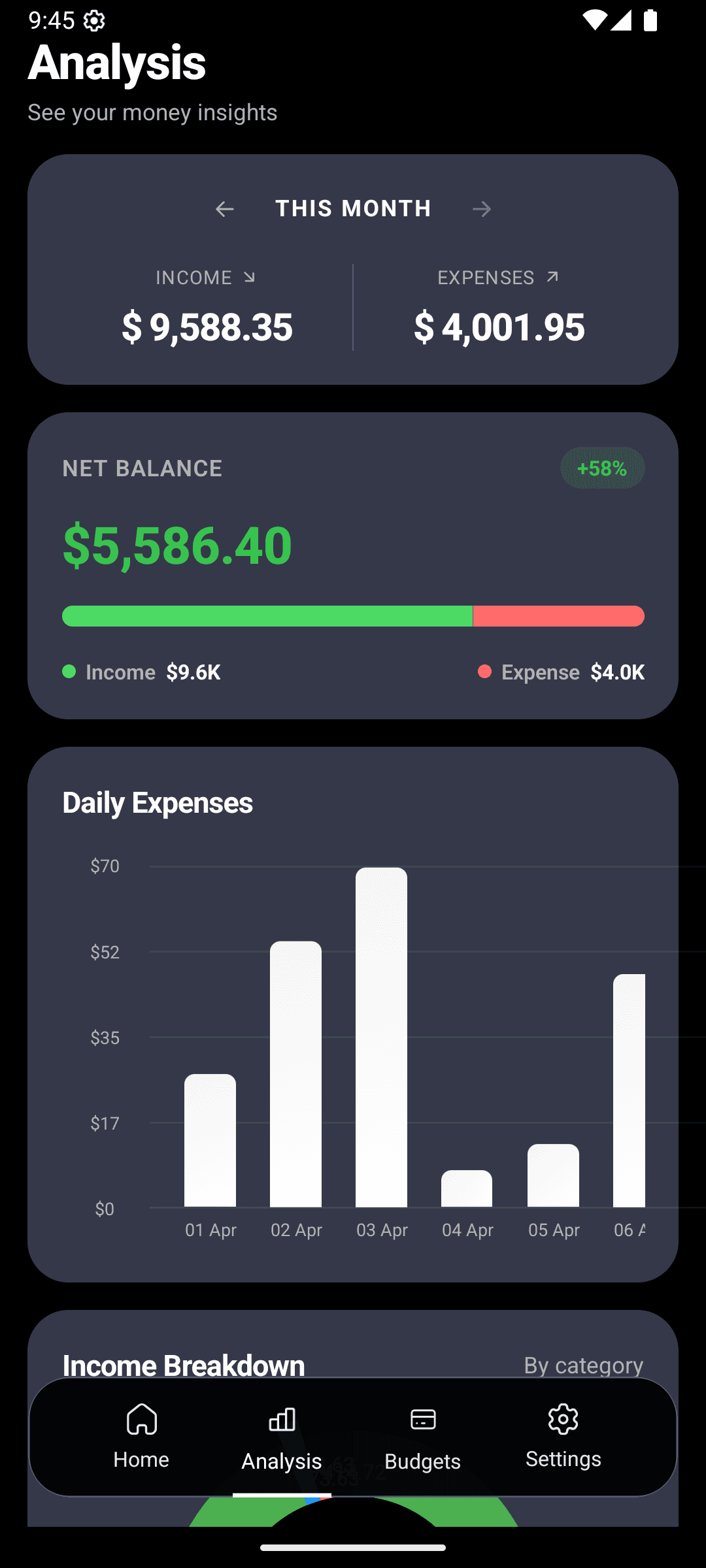
- Analytics that match your mental model — your donut chart reflects your categories, not generic ones
- AI Search (coming soon) — "how much on Dog stuff this year?" → instant answer
Tidy your categories every few months
Do this quarterly. 5 minutes.
The quarterly category cleanup
- Any category with fewer than 3 transactions in the quarter? Merge it into a broader one.
- Any category with 30+ transactions that feels too broad? Split it (e.g., Food → Groceries + Dining Out).
- Any category you created during a one-off project (wedding, move, reno) that's over? Archive it.
A lean system keeps working. A cluttered one gets abandoned — same reason spreadsheets die.
Build a category system that fits your life.
Organize your money the way your brain already works. Free on Android.