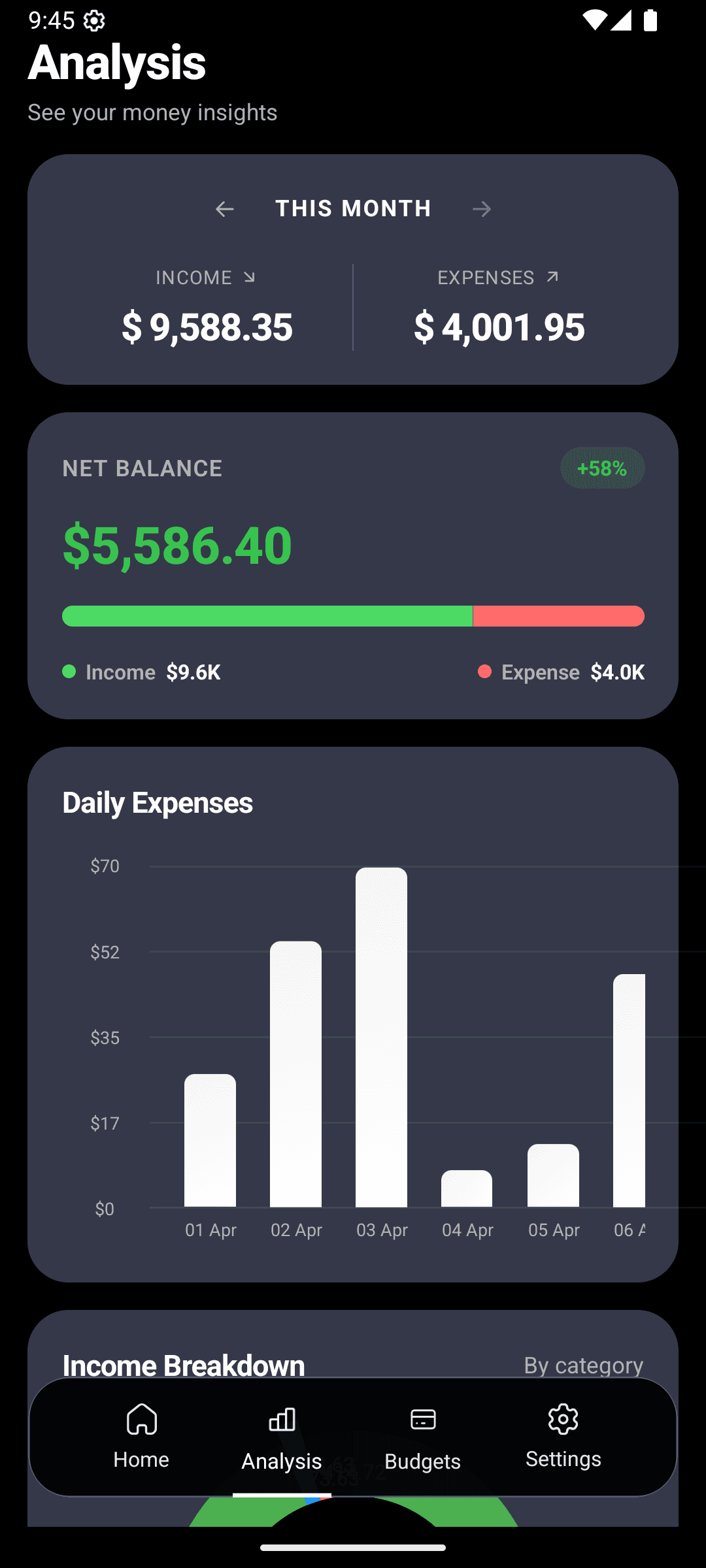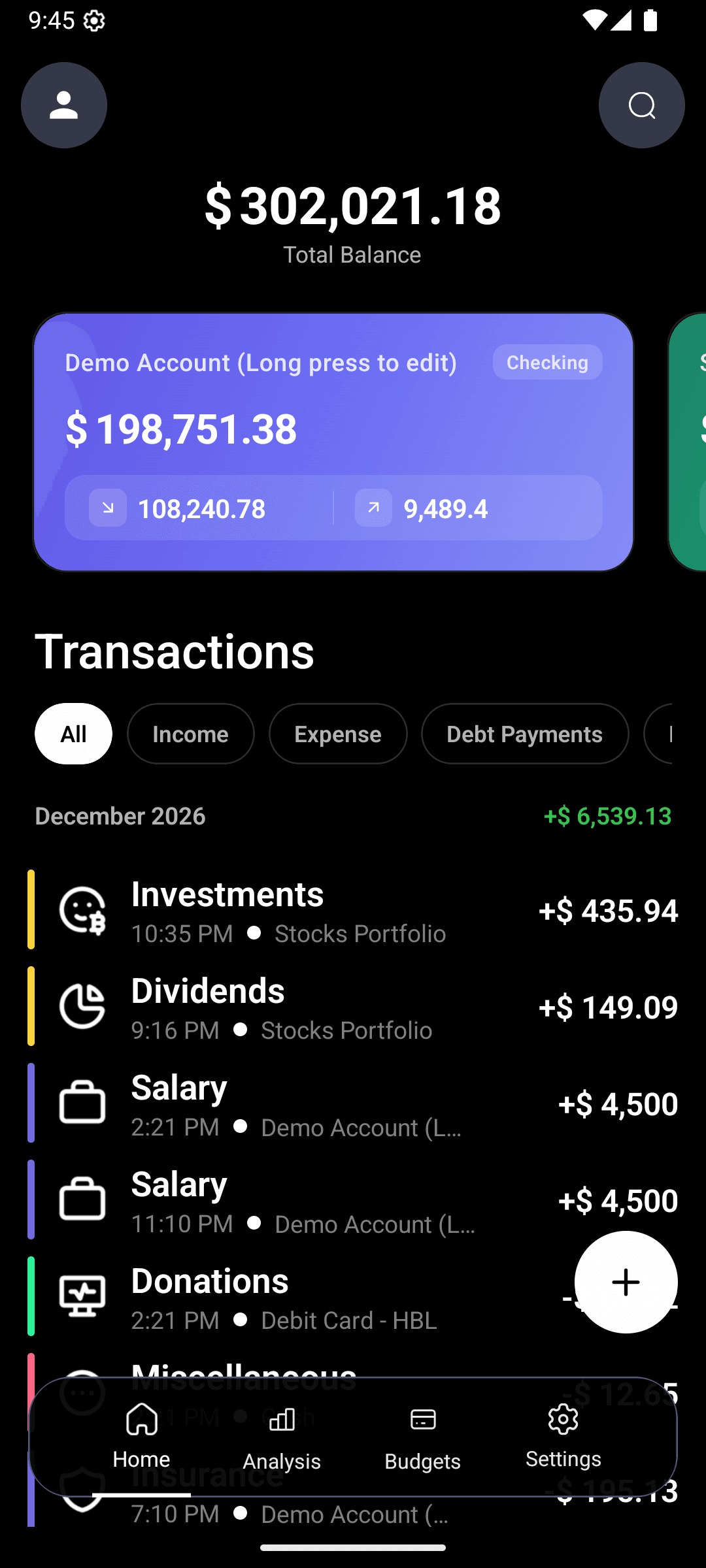
How much did you spend at Starbucks last month? Don't know? Then your finance app is working against you.
Scrolling, filtering, and picking date ranges is the opposite of insight. You want a question-and-answer machine, not a database.
Type a question. Get an answer.
Questions you'll be able to ask
how much did I spend on food last month?Total + category breakdownwhat are my biggest expenses this week?Top 5 transactions, rankedhow much have I spent at Amazon this year?Year-to-date totalshow me everything over $100Filtered transaction listhow does this month compare to last?Delta + category moversam I saving more than last quarter?Yes/no + the numberThe AI understands your intent. "Food spending in February" and "how much on groceries and restaurants last month" return the same comprehensive answer.
The four moments this actually saves you
Before a purchase
You're at the grocery store. You type "how much on groceries this week?" — see you're at $180 of $250 — decide not to grab the premium olive oil. That's $12 saved because you asked the question.
At month-end
Instead of 30 minutes in the analytics tab, three questions wrap it up:
- "Total spending last month?"
- "Biggest category?"
- "Compare to previous month?"
You have your monthly review in under 2 minutes.
At tax time
"All business expenses for 2026" → done. No exporting CSVs, no manual sorting.
Splitting with friends
"Restaurants this week with the amount over $40" → you find the dinner you're owed money for.
Why AI Search needs AI Entry to work
A search tool is only as smart as the data underneath it. If half your transactions are uncategorized or missing, the answers are garbage.
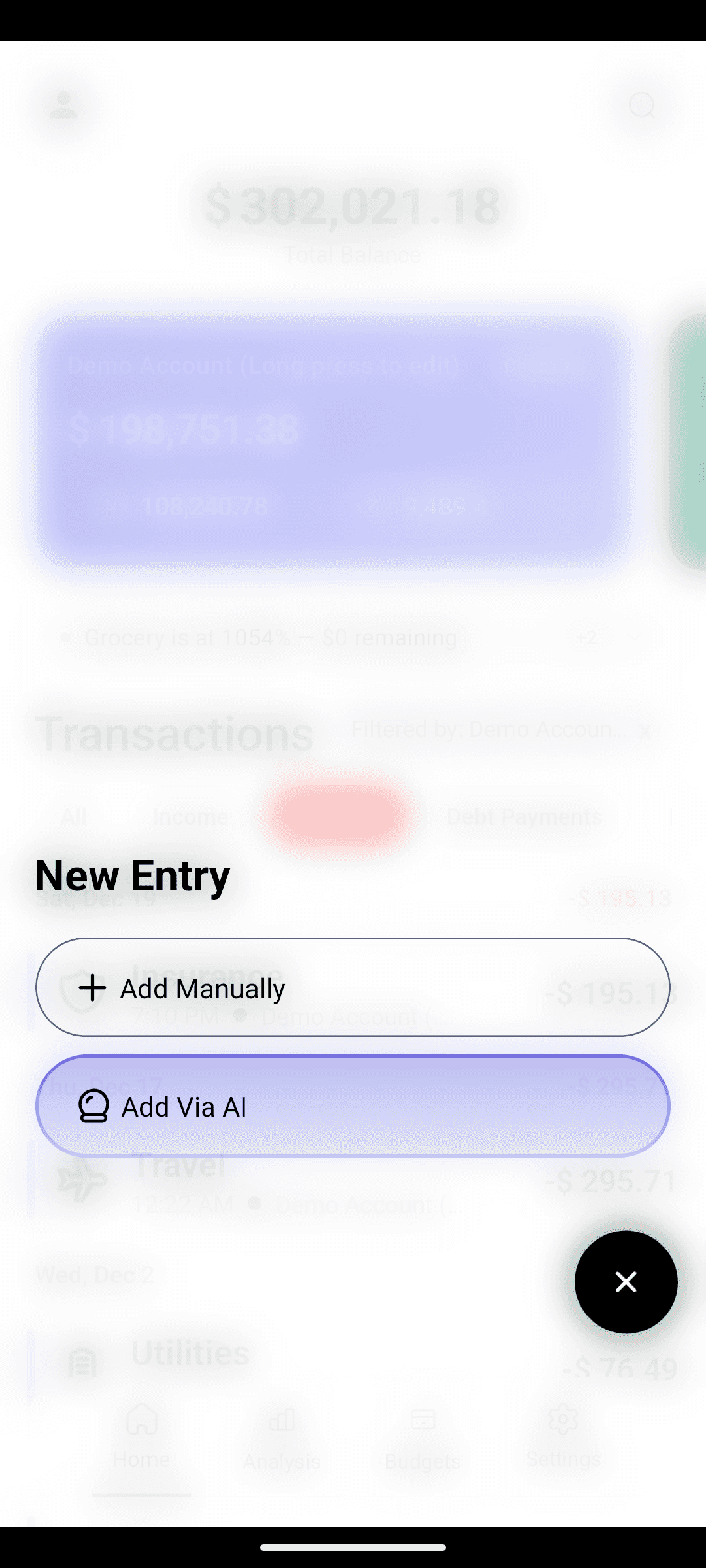
That's why AI expense entry is the foundation. Typing "coffee 5" logs it with the right category in seconds. Over weeks and months, you build a clean, complete financial history — the kind of dataset where asking a question actually returns the truth.
Without AI Search
- Open Analytics → pick date range → pick category → read total
- 4 taps minimum to answer one question
- You give up half the time
With AI Search
- Type the question → read the answer
- One step
- You actually ask the question
Works offline, like the rest of the app
Because all your data lives on your device, AI Search will work on a plane, on the subway, in the back of a rideshare with no signal. Your spending never leaves your phone.
Build the dataset AI Search will query.
AI Search is in development. Your future self will thank past-you for logging now.