Most budgets fail for the same reason: they require you to do annoying work, every day, for an outcome you can't see yet. By week two, the novelty has worn off. By week four, you've quit.
The CashFlow AI method is built around that reality. Three steps, designed so each one takes seconds. No dropdowns, no monthly spreadsheet rituals, no guilt.
The three steps
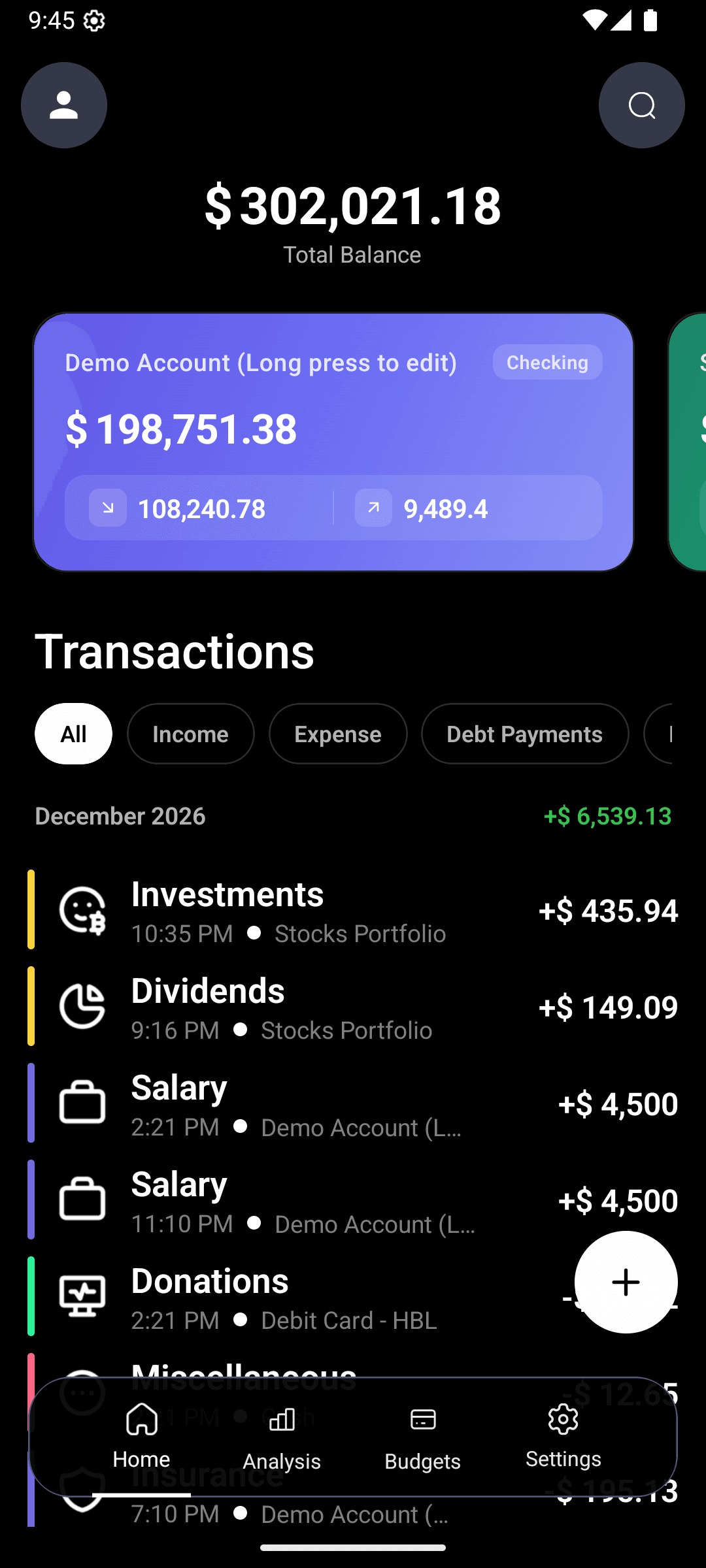
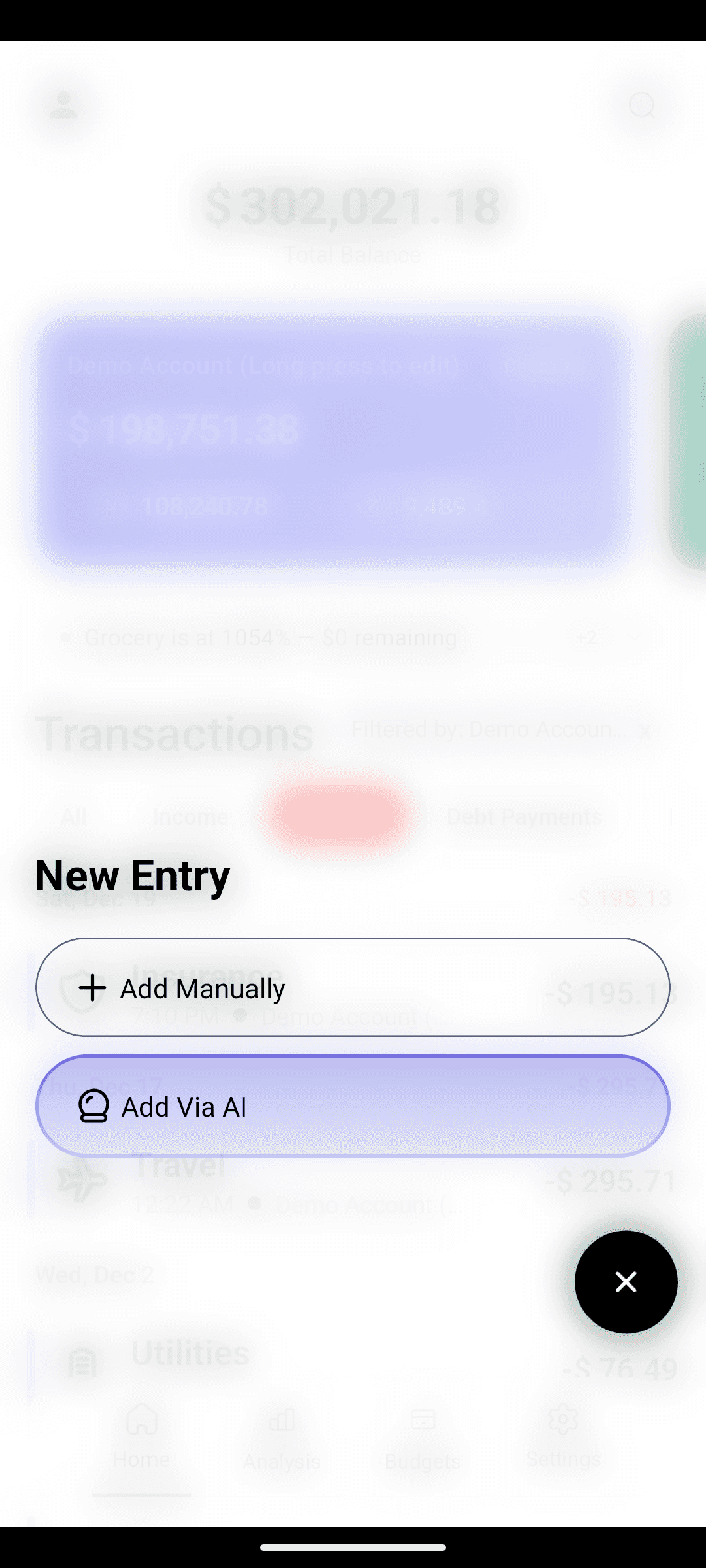
Capture. Every expense, every day. You type it in plain English — "spent $45 on groceries at Walmart" — and the AI handles the rest. The friction is so low that skipping a day feels weirder than logging one.
Categorize. The AI sorts what you typed in real time. If it gets something wrong, you fix it in a tap, and it learns. You never stare at a dropdown.
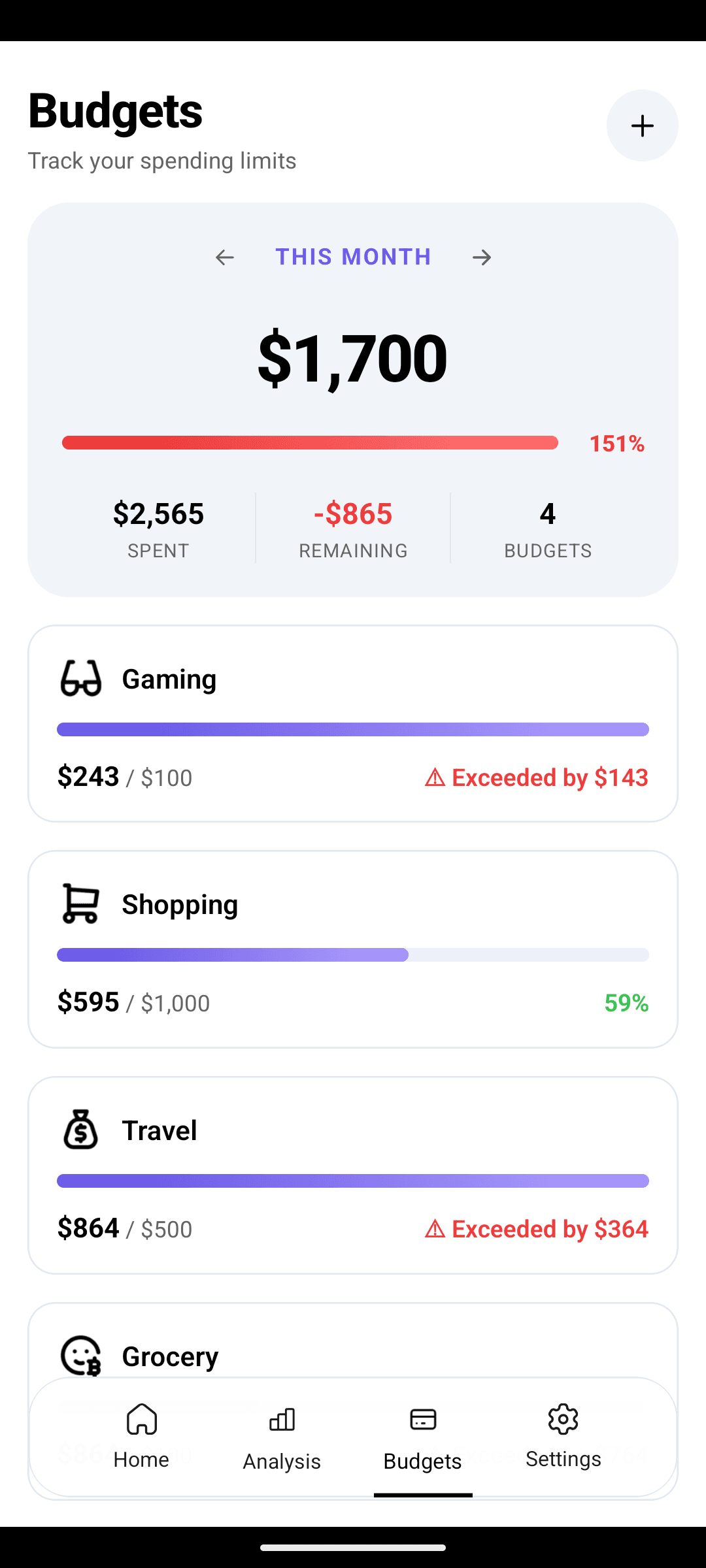
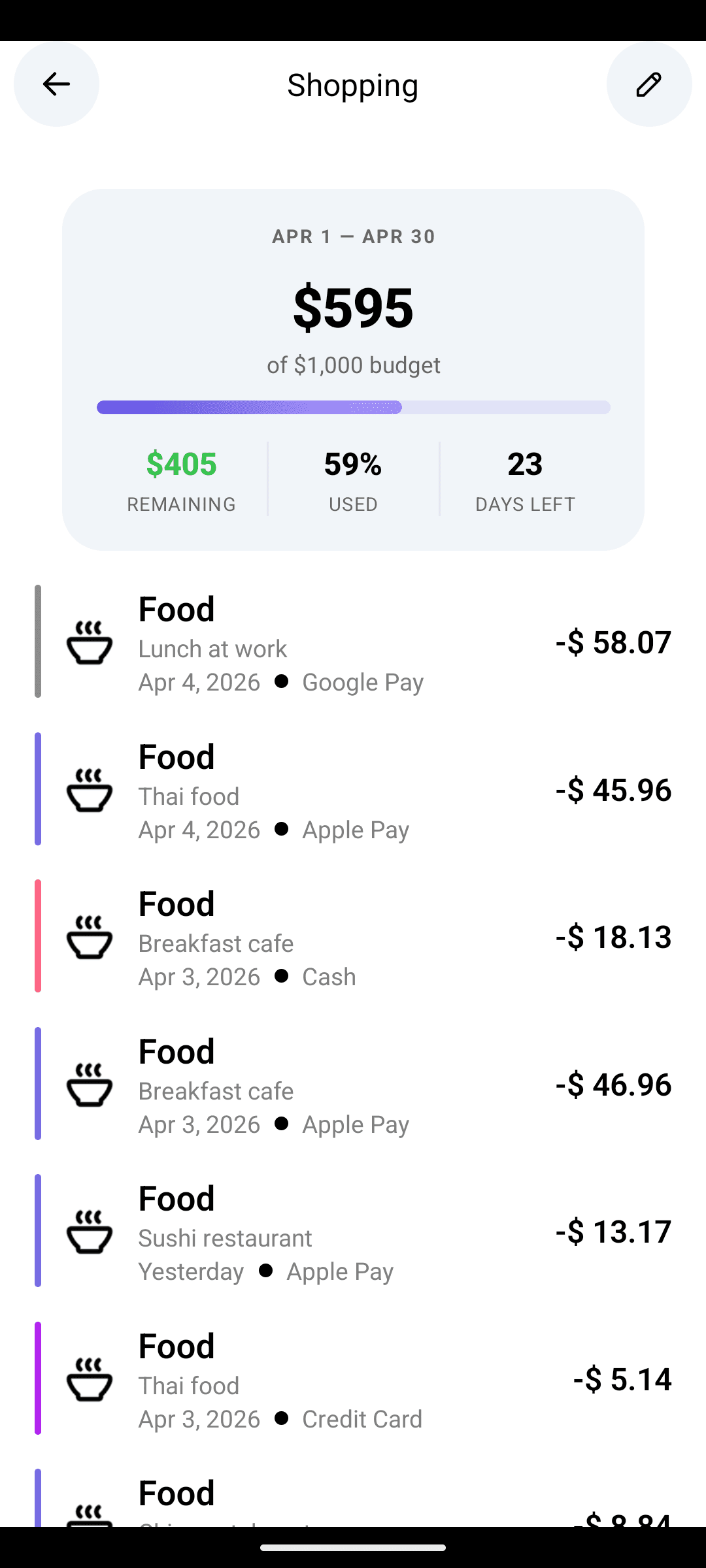
Course-correct. Live budget bars tell you weekly whether you're on track. At month-end, a short AI-written brief (Pro) summarizes what drifted, what's a quiet win, and what one thing to adjust next month.
That's the whole method. No guilt, no restriction, no forms.
Why this works when others don't
Friction is the enemy
Traditional expense trackers are forms. Amount. Category. Merchant. Account. Date. Tap tap tap tap tap. Five interactions per transaction, every transaction, forever. That's why people quit — the ROI per tap is zero.
CashFlow AI collapses those five taps into one sentence. The cost of logging an expense is now roughly the cost of thinking about it. You're not doing a chore; you're noting something out loud.
Awareness > restriction
Most budgeting advice is about restriction: cap this category, forbid that one, stick to a plan. Restriction requires willpower, and willpower runs out.
Awareness is different. When you see clearly — "I've spent $180 on coffee this month and I'm only halfway through" — you course-correct without a rule telling you to. The behavior change is internally motivated, not externally imposed.
Monthly feedback beats daily nagging
Apps that nag daily get muted. Apps that nag never wire into your identity.
A well-written month-end brief is different. You read it, think "huh, I didn't realize that," and make one small adjustment. Over 6 months those small adjustments compound dramatically.
What a week looks like
Daily (under a minute). Open CashFlow AI after each meaningful spend. Type it. Close the app. That's the entire interaction. Weekends you might log 3–5 transactions; weekdays often 1–2.
Weekly (two minutes). Friday morning, glance at the budget screen. Green bars? You're fine, move on. Any bar edging toward red? Think about the next seven days.
Monthly (ten minutes). On the 1st, read the AI insights. Cancel one forgotten subscription. Adjust one budget. Decide one intention for the month. Done.
Total time investment: ~20 minutes per month. That's the whole budget.
Capture: make it a reflex, not a chore
The capture step is where every other app dies. If you don't log, nothing else matters.
Three things make CashFlow AI's capture different:
- Natural language input. "coffee $5" works. "paid $48.20 for gas at Shell" works. "rent $1200 from checking" works. The AI parses amount, category, merchant, and account from your sentence.
- Receipt scanning. For longer receipts, point the camera. The app extracts line items and drops them in.
- Offline mode. Log transactions without signal — they queue locally and sync when you're back online.
The goal isn't to make logging easy. It's to make not logging feel weird.
Categorize: stop fighting with dropdowns
Categories are where people burn out. Every app wants you to choose one manually; most people pick wrong, give up, or stop caring.
CashFlow AI categorizes automatically based on what you typed. If it picks wrong, tap to fix — and the model quietly updates for future entries. You're training it, but without doing the work of training.
Default categories cover 90% of spending. Need one for "Pet care" or "Side hustle"? Create it once; it's there forever.
Course-correct: the weekly glance and the monthly brief
The weekly glance
Once you're logging consistently, budget bars become live dashboards. Most weeks you'll spend two seconds on this step — all green, close the app.
When a bar edges toward red, that's the signal. Not to panic, not to cut off the category. To ask: what do I want the next 7 days to look like?
The monthly brief
This is where Pro earns its keep. At month-end, the AI reviews your data and writes 3–5 insights:
- Spending patterns — what changed vs. last month and why
- Savings tips — specific, based on your data, not generic
- Budget alerts — bars that drifted, with suggested adjustments
- Forgotten subscriptions — recurring charges you haven't actually used
- Merchant trends — stores creeping up in your spend
- Financial health score — a single number tied to your real habits
Ten minutes of reading, one or two small changes, and you're set for the next month.
Common objections
"I don't want to log every transaction."
Fair — but you almost certainly already log transactions, just badly. Every credit card statement is a log, just a delayed, unhelpful one. CashFlow AI's capture is real-time logging, and the AI makes it fast enough that it's actually sustainable.
"I want the app to connect to my bank."
Many apps do, and many of those apps break constantly because bank connections are fragile. CashFlow AI is deliberately self-reported: you log, you scan, you stay in control. Your bank credentials never touch our servers. The tradeoff is discipline for reliability and privacy — and because the capture step is near-zero effort, the discipline is manageable.
"I tried five budget apps. Why would this work?"
Because the previous five probably asked you to do five to ten taps per transaction. This one asks for one sentence. That's not a marketing pitch — it's a genuinely different unit of work. If it still doesn't stick after three weeks, the method isn't for you.
Where to go next
- How to stop living paycheck to paycheck — the method applied to the most common money trap
- How to track expenses without spreadsheets — what changes when AI handles categorization
- Budgeting with irregular income — how the method adapts for freelancers and variable earners
- What Pro adds: your AI money copilot — the agent and month-end insights
The app is free on Google Play. Start with capture, let the method do its thing, and see where you are in a month.
FAQ
Is this a zero-based budget?+
No. Zero-based budgeting works for a subset of people, but it's high-maintenance. The CashFlow AI method is awareness-first: capture everything, categorize automatically, and course-correct monthly. You can layer a zero-based budget on top if you want.
How long until this starts working?+
Most users report that week three is when the shift happens. That's when you've got enough history for patterns to emerge — and when the daily capture step has become a reflex.
Do I need the Pro tier?+
No. Free covers the entire method. Pro just automates the 'course-correct' step with a monthly AI-written insights brief and adds a conversational agent.