Spreadsheets are the default tool for personal expense tracking, and they're the reason most people give up on tracking.
It's not that spreadsheets are bad. It's that they require you to do the work of a data-entry clerk and an analyst at the same time. AI-assisted tracking splits those jobs: you handle capture (one sentence), the AI handles categorization and analysis. This guide explains what changes and how to migrate.
Why spreadsheets break down
The daily cost is too high
Logging an expense in a spreadsheet typically means: open laptop, open the file, find the right row, type date, type merchant, type amount, pick category from a list, maybe tag a tax flag. Eight to ten micro-actions.
The first week you'll do it. By week three, only the big expenses make it in. By week six, half the data is missing and the analysis is worthless.
Categories are inconsistent
Every time you type a category manually, you introduce drift. "Groceries" in one row, "groceries" in another, "food-grocery" in a third. Your pivot tables give you three categories when you meant one.
Receipts don't live in a spreadsheet
You buy something; the receipt is a paper slip or an email. Getting it into the spreadsheet means typing it from scratch. Most people don't.
Mobile-first isn't real for spreadsheets
Mobile spreadsheet editing is technically possible and genuinely miserable. Which means expenses get logged when you're back at a laptop — usually the next day, usually incompletely.
What AI actually changes
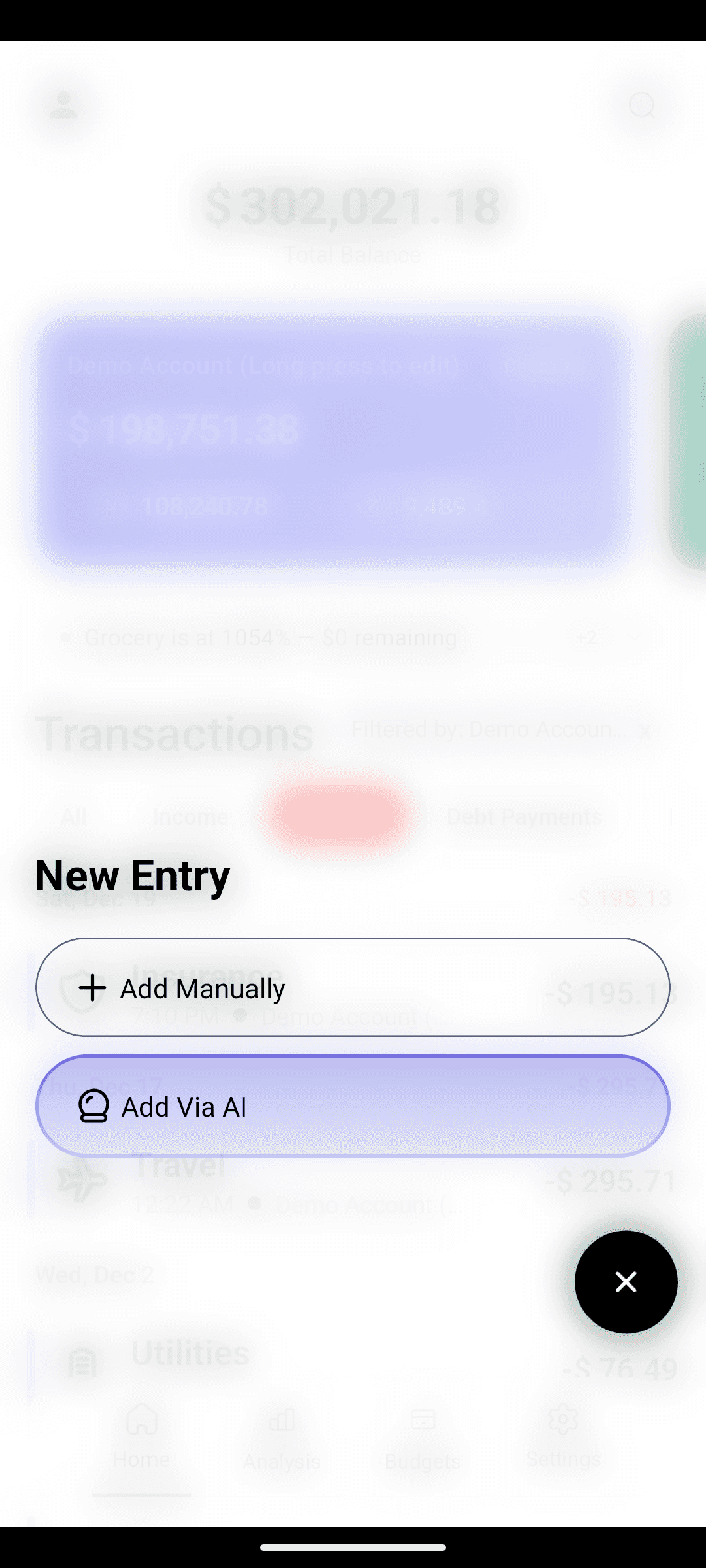
Capture collapses to one sentence
"spent $45 on groceries at Walmart."
That's now the entire interaction. Amount, merchant, category, account — all parsed. Logging takes ~5 seconds. The habit survives.
Categorization becomes automatic
The AI picks the category. If it picks wrong, you tap to fix; it learns. You never stare at a dropdown list again.
Receipts go from pain to easy
In CashFlow AI, open the camera, point at the receipt, and the line items extract automatically. Dinner for four with itemized tax becomes a structured transaction in 5 seconds.
Analysis is pre-built
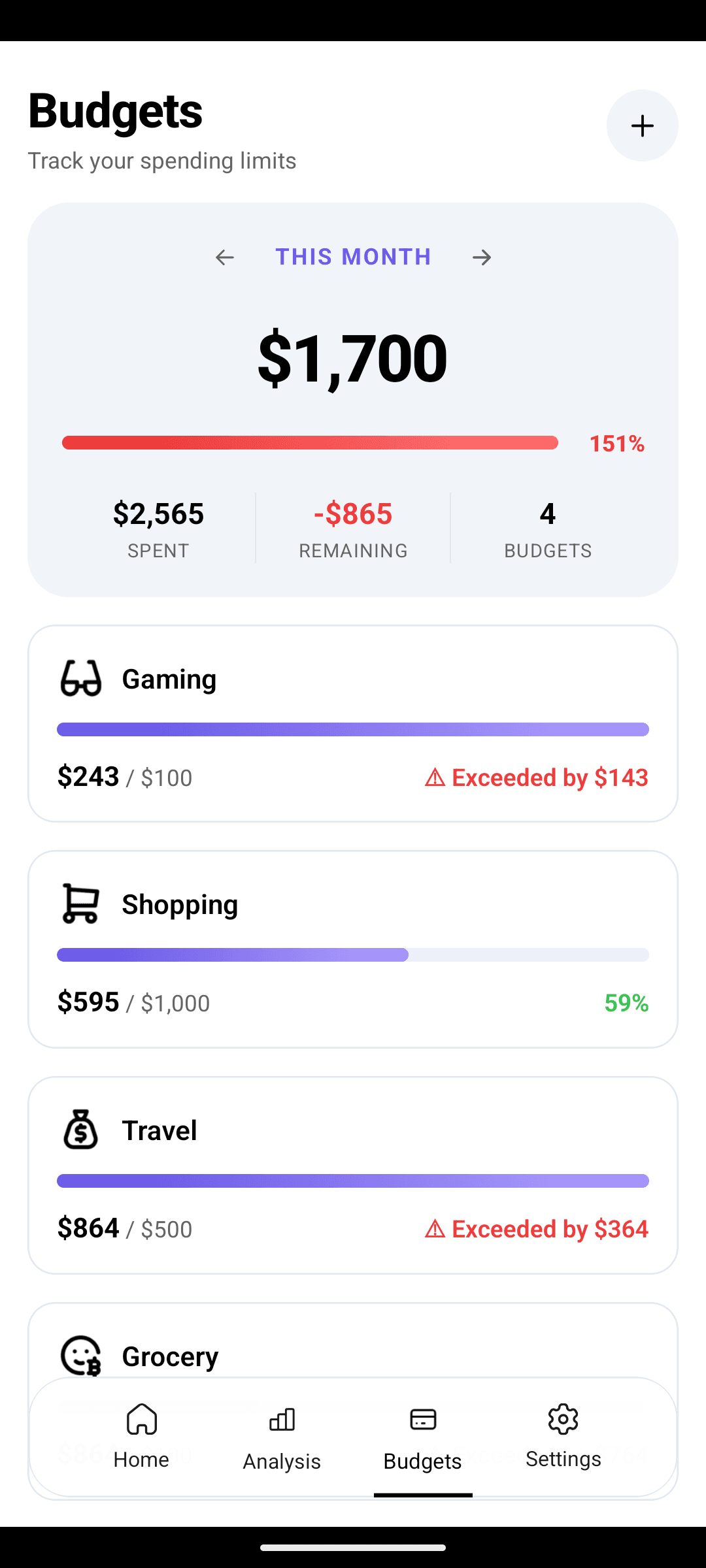
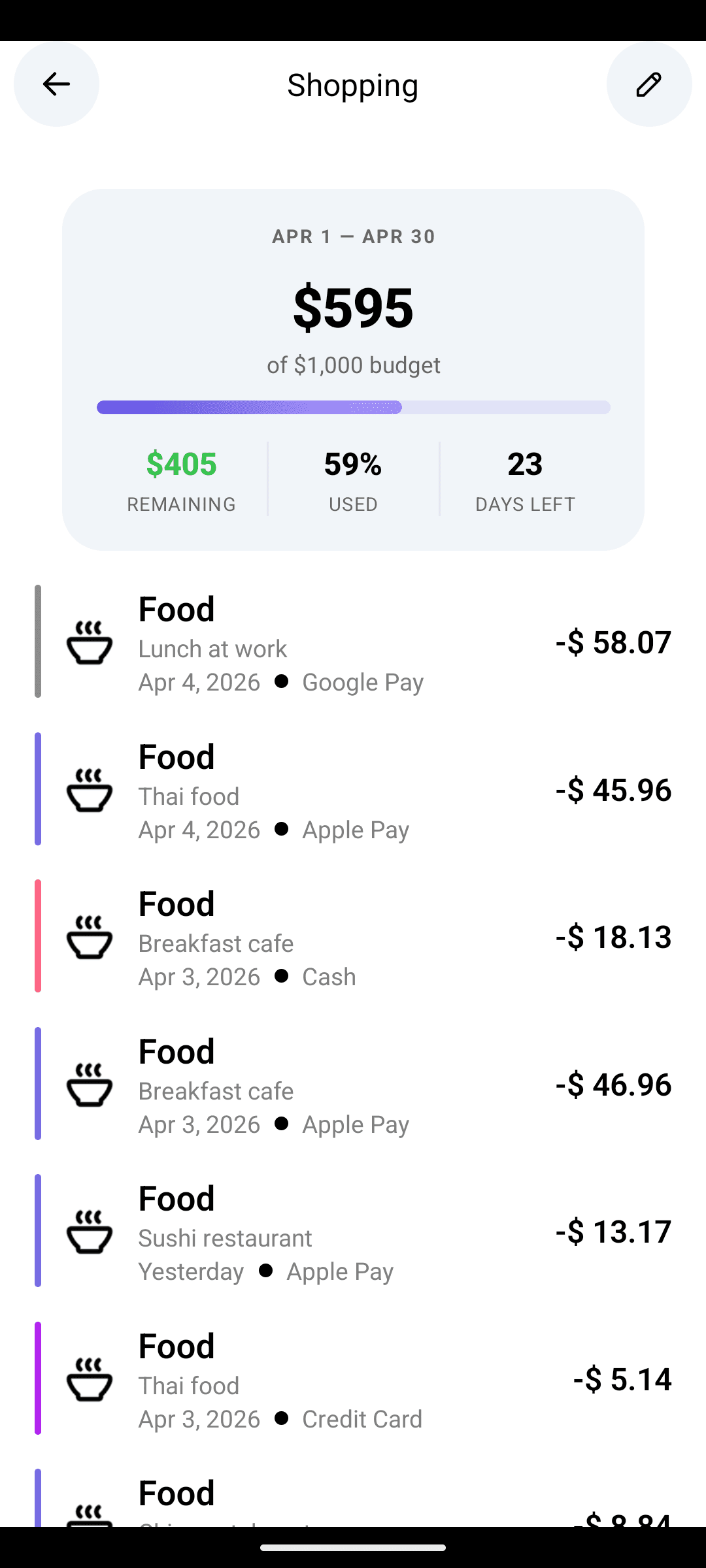
Pie, bar, line charts. Category breakdowns. Budget progress. None of it requires a formula. And with Pro, you get a conversational agent that answers "how much did I spend on coffee last month" without you building anything.
Migrating from a spreadsheet
You don't need to convert old data. Here's a cleaner approach.
Step 1: keep the archive
Rename the spreadsheet "Archive — [dates]" and park it in a folder. You may want to reference it later; you don't need to touch it daily.
Step 2: start fresh, day one
Install CashFlow AI and log today's expenses. Don't backfill. The goal of the tool is the habit, and the habit starts now.
Step 3: set up accounts
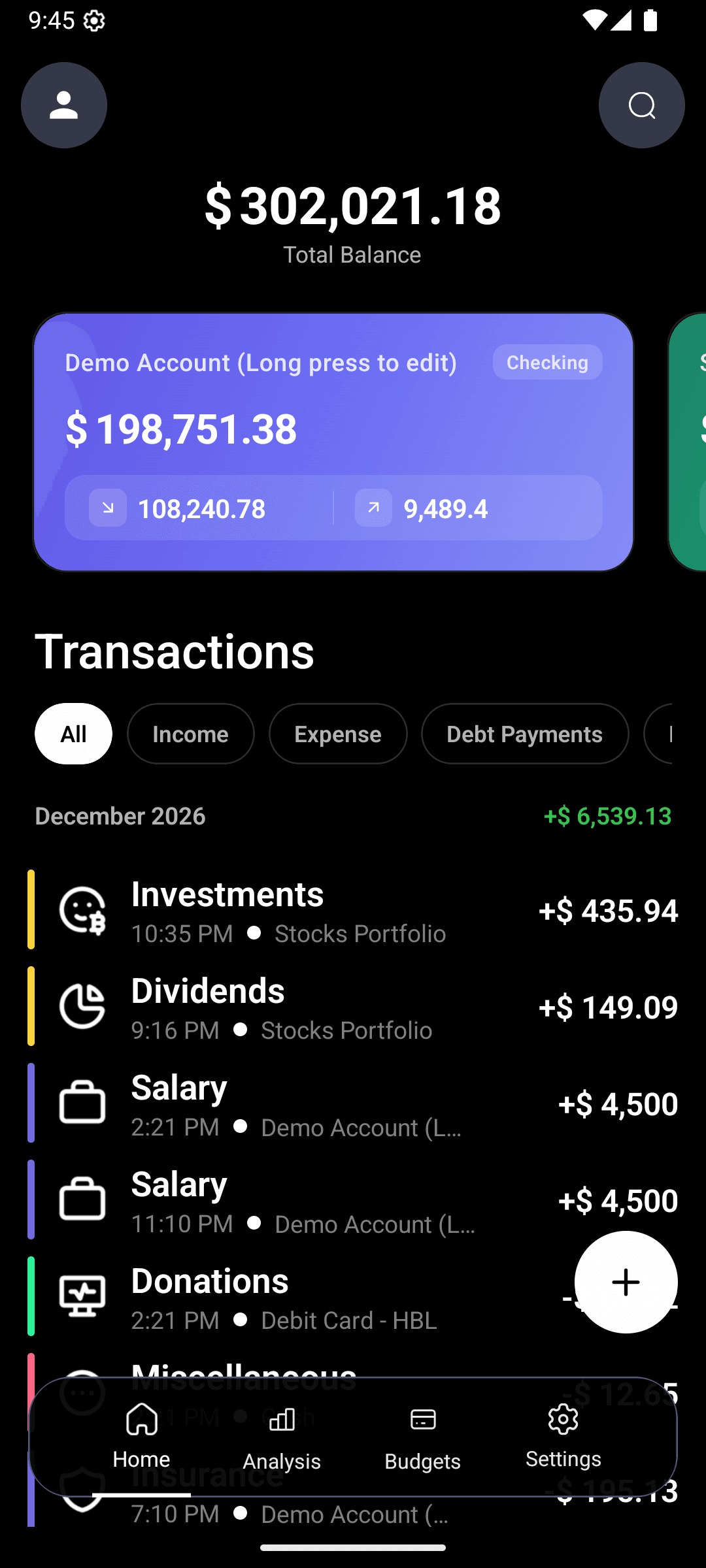
Mirror your spreadsheet's account structure in the app — checking, savings, each credit card, cash. Color-code them so the multi-account view is instantly readable.
Step 4: recreate your categories
Most of the default categories in CashFlow AI will cover what you had. Add custom ones for any unusual ones ("Pet vet," "Side business," "Kid 1," "Kid 2"). Five minutes of setup.
Step 5: the first month
Week 1 is the hardest — you're building a new reflex. By week 2 it's automatic. By week 4 you won't look back.
Step 6: the archive becomes a reference
After 3 months of consistent app data, you'll have enough recent history to answer most questions without opening the old spreadsheet. Keep the archive around for tax season or for very long-range comparisons, but don't live in it.
What to do with power-user features
If you genuinely love spreadsheets for analysis — pivot tables, custom formulas, scenario modeling — keep them for that purpose. Use CashFlow AI for capture; export to CSV once a month (Pro feature) and do whatever analysis you want.
Most people who try this pattern eventually stop exporting because the app's built-in analytics cover 95% of questions they actually ask. But the workflow exists for those who want it.
A typical day with the app
Morning coffee, $5. Open CashFlow AI on the bus. Type "coffee $5 Blue Bottle." 3 seconds. Close the app.
Lunch, $14. Chipotle receipt in hand. Type "lunch $14 Chipotle." 3 seconds.
Evening grocery run, $67. At the counter: "groceries $67 Trader Joe's." 4 seconds, because the cashier is watching.
Total daily time: ~15 seconds. That's the whole thing.
A typical week
Friday morning glance at the budget screen. All green? Close it. Something edging toward red? One-minute think about the next 7 days. Done.
That's the full weekly review.
A typical month
1st of the month: read the Pro monthly insights (or the analytics view on Free). Cancel one subscription if any are flagged as unused. Adjust one budget based on the insight. Set one intention.
10 minutes, once a month. That's the full monthly review.
The punchline
People who "can't stick with budgeting" can almost always stick with capture-as-one-sentence. The bottleneck was never motivation. It was the tool.
FAQ
See the FAQ block above.
Download CashFlow AI free. Typing beats spreadsheets; you'll feel it by day three.
Related:
FAQ
Do I lose my spreadsheet history when I move to an app?+
No. Keep the spreadsheet as your historical archive and start fresh in the app for day-forward tracking. After 3 months you'll have enough app history to never need the spreadsheet again.
Is app-based tracking less accurate than a spreadsheet?+
In practice, much more accurate. Spreadsheet tracking looks precise but depends on remembering to enter data, which most people do only sporadically. An app with one-sentence AI entry produces far more complete data because the habit actually sticks.
What about power users who love formulas?+
CashFlow AI Pro supports CSV/PDF export, so power users can run whatever analysis they want on the weekends — while keeping daily capture in the app where it's fast.